
TikTok Repost Remover Extension: Chrome & Edge Guide (2026)
Looking for a TikTok all reposted videos remover? Learn how to install and use the ClearTok browser extension - a free, safe TikTok repost remover extension for Chrome and Edge that deletes all reposts in one click.
💡 Looking for a one-page walkthrough? Visit our Remove All Reposts on TikTok page for the complete extension + mobile-app flow.
TL;DR
- ClearTok is a free TikTok repost remover extension for Chrome and Edge.
- It removes all your TikTok reposts in one click — no password required.
- Works on Windows, Mac, and Linux through any Chromium-based browser.
- Safe, local, and open-source with human-like pacing.
👉 Install ClearTok for Chrome | Install for Edge
What Is a TikTok Repost Remover Extension?
A TikTok repost remover extension is a browser add-on that automates the process of deleting reposts from your TikTok profile. Instead of manually tapping "Remove Repost" on each video one by one, the extension handles everything with a single click.
If you've been searching for:
- "tiktok all reposted videos remover"
- "remove all reposts tiktok extension"
- "tiktok repost bulk delete"
- "all repost remover extension"
...then you're in the right place. This guide covers everything you need to know.
Why Use an Extension Instead of Manual Deletion?
| Method | Time for 100 Reposts | Effort | Risk |
|---|---|---|---|
| Manual (one by one) | 30-60 minutes | High (repetitive taps) | Low |
| Extension (ClearTok) | 3-5 minutes | One click | Low (local, no password) |
| Third-party apps (APK) | Varies | Medium | High (password required) |
Key benefits of using an extension:
- ⚡ Speed: Remove 500+ reposts in under 20 minutes
- 🔒 Safety: Runs locally in your browser, no password needed
- 👀 Transparency: Watch every action happen on screen
- 📊 Tracking: Export a log of all removed reposts
ClearTok: The Best TikTok Repost Remover Extension
Why ClearTok?
ClearTok is specifically designed to be the safest and most reliable TikTok all reposted videos remover available:
| Feature | ClearTok |
|---|---|
| Price | Free |
| Browsers | Chrome, Edge, Brave, Arc, Opera |
| Password Required | ❌ No |
| Works on Desktop | ✅ Yes |
| Open Source | ✅ Yes |
| Export Log | ✅ URLs & timestamps |
| Rate Limit Protection | ✅ Human-like delays |
Supported Browsers
ClearTok works on all Chromium-based browsers:
- ✅ Google Chrome (most popular)
- ✅ Microsoft Edge (official store listing)
- ✅ Brave Browser
- ✅ Arc Browser
- ✅ Opera / Opera GX
- ✅ Vivaldi
How to Install ClearTok Extension
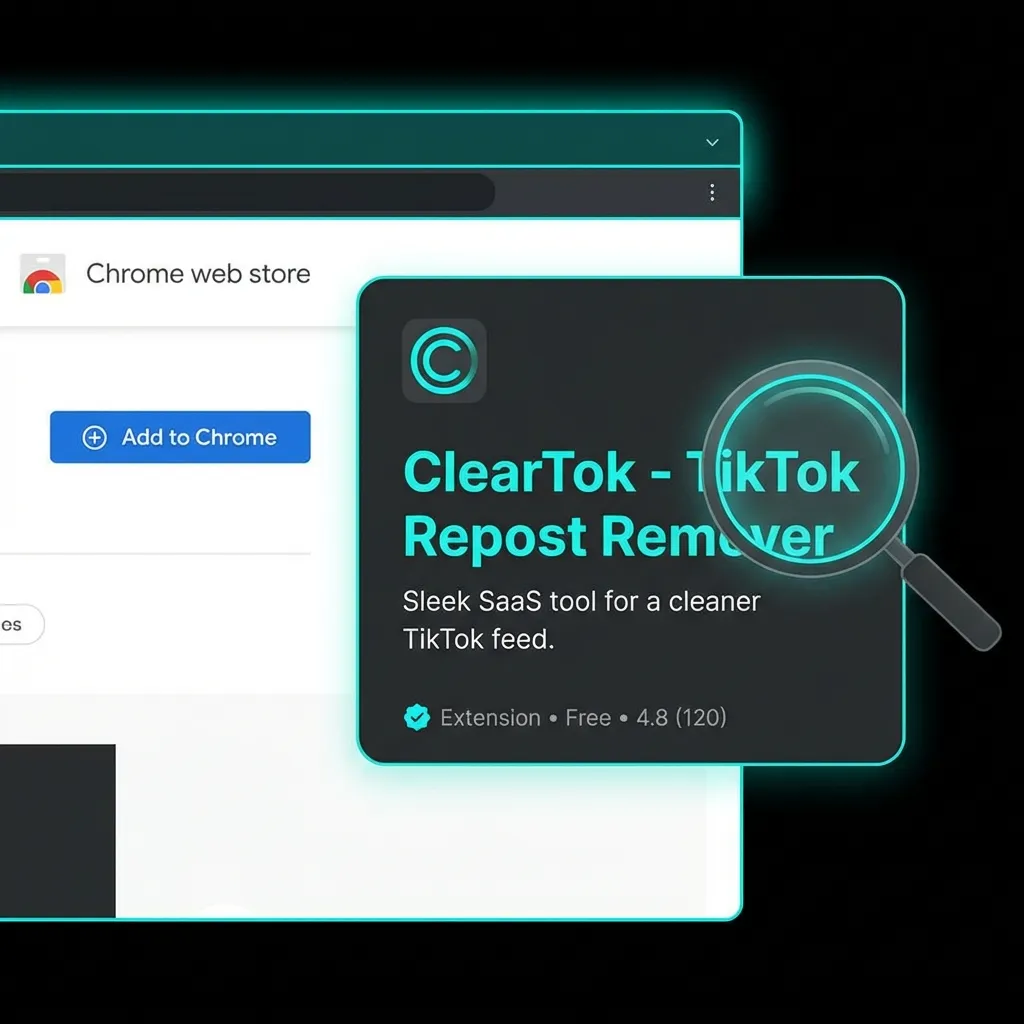
For Google Chrome
- Visit the Chrome Web Store - ClearTok
- Click "Add to Chrome"
- Confirm by clicking "Add Extension"
- Pin the extension to your toolbar for easy access
For Microsoft Edge
- Visit Edge Add-ons - ClearTok
- Click "Get"
- Confirm by clicking "Add Extension"
- The ClearTok icon will appear in your toolbar
For Brave, Arc, Opera, Vivaldi
These browsers can install Chrome extensions directly:
- Go to the Chrome Web Store - ClearTok
- Click "Add to Chrome" (the button text may vary)
- Confirm the installation
How to Use ClearTok to Remove All Reposts
Step 1: Open TikTok.com
Navigate to tiktok.com in your browser and make sure you're logged in to your account.
Step 2: Go to Your Reposts Tab
Click on your profile, then click the ↻ (two arrows) icon to view your Reposts tab.
Step 3: Click the ClearTok Icon
Click the ClearTok extension icon in your browser toolbar. A popup will appear showing your repost count.
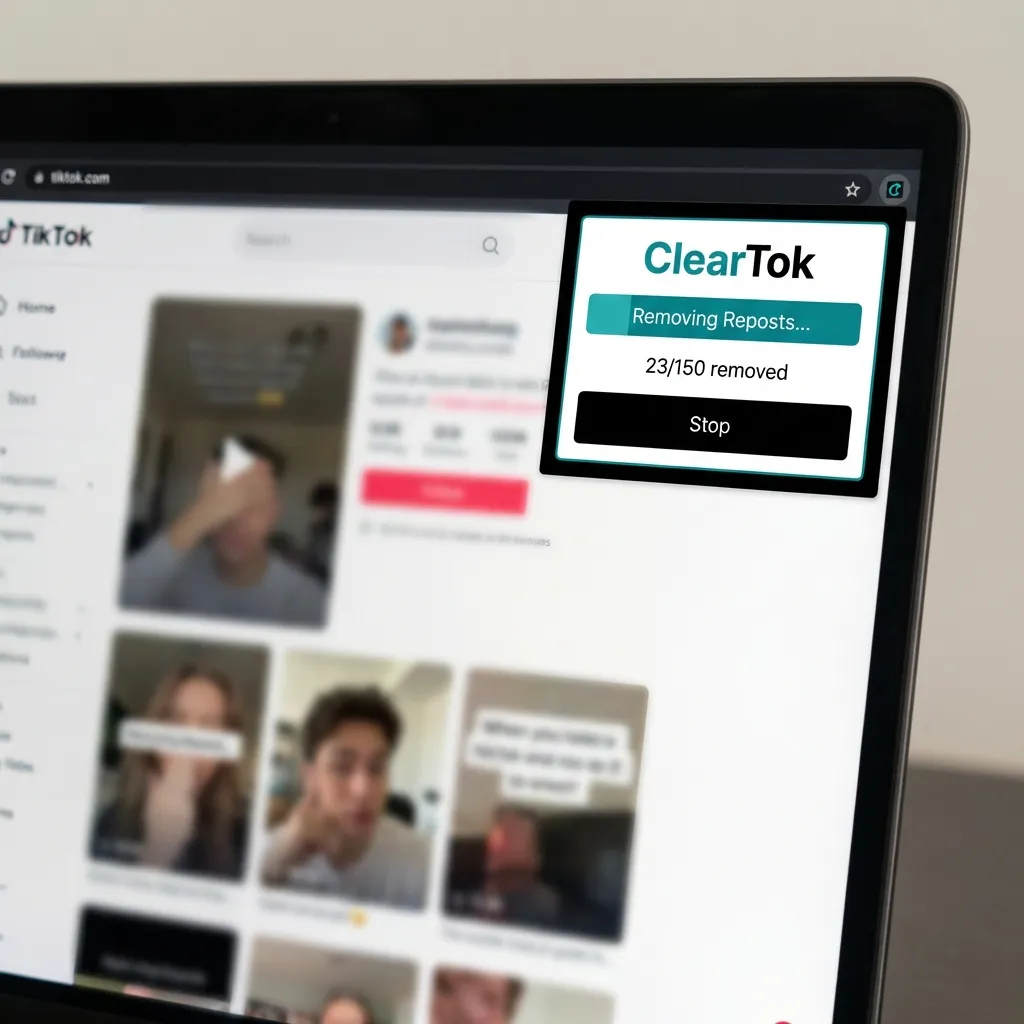
Step 4: Start Removing
Click "Start Removing" and watch as ClearTok automatically removes each repost. You can:
- Pause anytime by clicking the pause button
- Stop completely if needed
- View progress in real-time
Step 5: Export Your Log (Optional)
After completion, you can export a CSV log containing:
- URLs of removed videos
- Timestamps
- Total count
Safety: Why ClearTok Is Secure
Many users search for "is tiktok repost remover extension safe" — here's why ClearTok is designed with security in mind:
✅ What ClearTok Does
- Runs 100% locally in your browser
- Uses visible UI actions (same buttons you'd click manually)
- Adds human-like delays to avoid rate limits
- Never asks for your TikTok password
- Never sends data to external servers
❌ What ClearTok Does NOT Do
- Does NOT access private TikTok APIs
- Does NOT store your session or cookies
- Does NOT run in the background when inactive
- Does NOT delete your original videos (only reposts)
For more details, read: Is It Safe to Use Tools to Remove All TikTok Reposts?
Troubleshooting Common Issues
"Extension not working"
- Refresh TikTok.com and try again
- Make sure you're on the Reposts tab (not Favorites or Videos)
- Check that the extension is enabled in your browser
- Try restarting your browser
"Reposts tab is missing"
TikTok sometimes hides the Reposts tab during UI tests:
- Clear your app cache
- Log out and back in
- Try the Activity Center → History route
- Use desktop browser instead of mobile
"Removal is slow"
This is intentional! ClearTok uses human-like pacing to:
- Avoid triggering TikTok's rate limits
- Ensure each removal completes successfully
- Prevent temporary account restrictions
Tip: For 500+ reposts, run in batches with short breaks.
Advanced Features
Repost Counter
ClearTok includes a free TikTok repost counter that shows:
- Total number of reposts
- Real-time count updates
- Historical tracking
Repost Analytics
Premium users get access to:
- Repost trends over time
- Most reposted content categories
- Detailed removal history
Export & Reporting
Export your complete repost history as CSV for:
- Personal records
- Brand audits
- Content analysis
Frequently Asked Questions
Q: Is there a TikTok all reposted videos remover APK? A: Skip sideloaded APKs — they often demand your TikTok password and come from unknown sources. Use the official ClearTok Android app on Google Play instead, which runs safely on your phone without ever asking for your password.
Q: Does ClearTok work on mobile? A: Yes — this guide focuses on the Chrome and Edge extension, but ClearTok also has a free iOS app on the App Store (iPhone, iPad) and an Android app on Google Play. Both mobile apps perform the same end-to-end bulk repost removal as the desktop extension, right on your phone.
Q: Will this delete my original videos? A: No. ClearTok only removes reposts (videos you've shared from other creators). Your original uploads are untouched.
Q: Is ClearTok free? A: Yes! ClearTok offers a free tier. For unlimited removals and advanced features, check out ClearTok Premium.
Q: How many reposts can I remove per day? A: Free users can remove a set number per day. Premium users get unlimited removals.
Q: Does it work with multiple TikTok accounts? A: Yes, just log into the account you want to clean on TikTok.com and run ClearTok.
Comparison: ClearTok vs Other Methods
| Feature | ClearTok Extension | Manual Deletion | Mobile APK Apps |
|---|---|---|---|
| Speed | ⚡ Fast | 🐌 Very slow | Medium |
| Safety | ✅ High (no password) | ✅ High | ⚠️ Risky |
| Platform | Desktop browsers | Any | Mobile only |
| Cost | Free | Free | Often paid |
| Bulk delete | ✅ Yes | ❌ No | Sometimes |
| Open source | ✅ Yes | N/A | Usually no |
Get Started Now
Ready to clean up your TikTok profile? Install ClearTok in 30 seconds:
Related Guides
Ready to Try ClearTok?
Stop deleting reposts one by one. Get ClearTok and clean up your entire TikTok profile in minutes.
Browser Extension
Mobile App