
ClearTok Likes Early preview
TikTok Likes Remover.
A little less clutter.
Give your Liked list a fresh start. ClearTok Likes removes likes one post at a time, right in Chrome, with a small test to start and controls to stop along the way.
For Chrome on desktop. Use your existing TikTok login.
- Try up to 3 videos first
- Up to 1,000 confirmed likes per run
- No separate ClearTok account
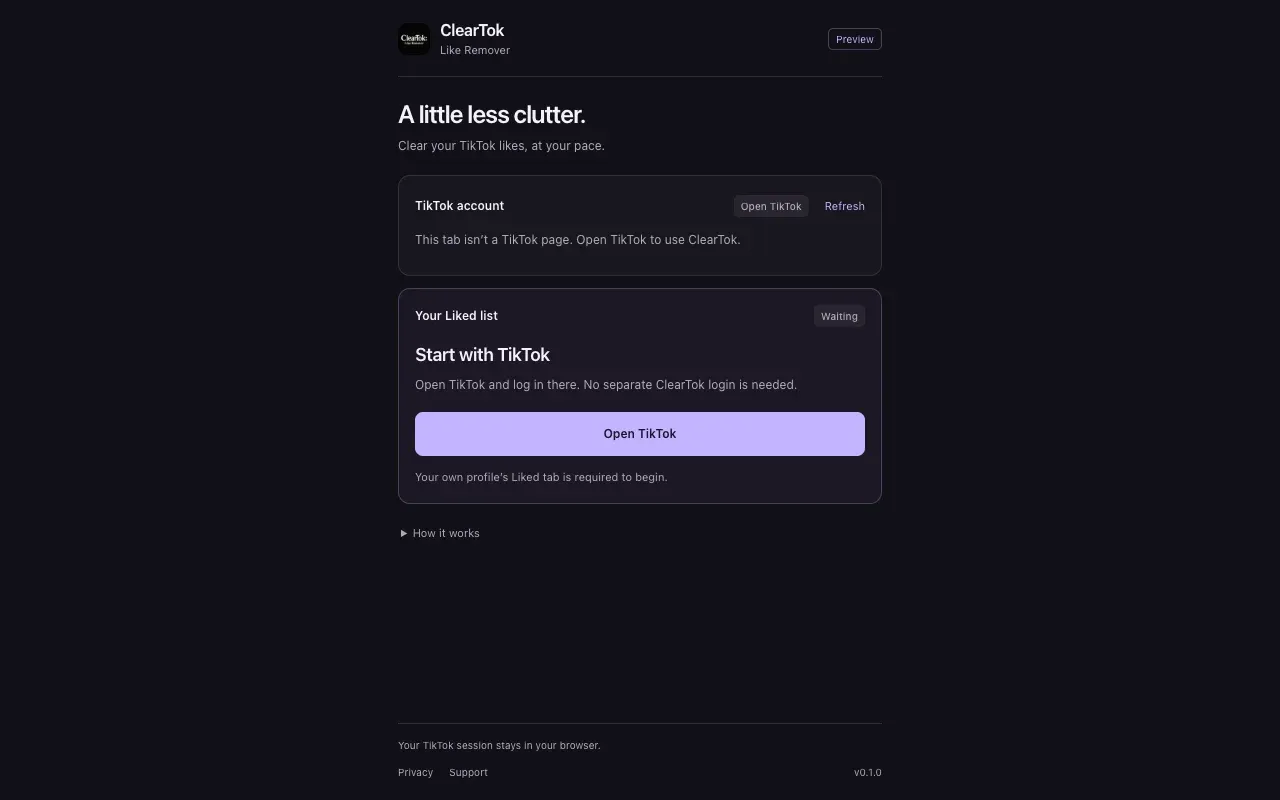
Clear likes at your pace.
Start small
Run a test on at most 3 videos before deciding to continue with a larger cleanup.
See confirmed progress
More liked posts load as the run continues. The counter tracks likes confirmed as removed.
Stay in control
Review your account before starting. Stop before the next post; a request already sent may still finish.
From install to your first cleanup.
- 01
Install and sign in
Add ClearTok Likes to Chrome, then log in to your own account on TikTok.com.
- 02
Open your Liked list
Open the extension from Chrome’s toolbar. Follow the side panel prompts to open your profile and select the Liked tab.
- 03
Review, confirm, and start
Choose the 3-video test or a removal run. Confirm the account and scope, then keep the TikTok tab open. Use Stop when you need to finish.
Your session stays in your browser.
ClearTok Likes stores task progress locally. Your TikTok password, cookies, liked-post list, and activity records are not uploaded to ClearTok servers. The extension has no advertising or analytics trackers.
Read the extension privacy policyBefore you start
This is an early preview. TikTok changes, connection problems, or account verification can interrupt a run. It pauses when completion cannot be confirmed.
The 1,000-like cap applies to each run. There is no automatic undo, though you can like an available post again on TikTok.
ClearTok Likes is an independent product operated by Data Traces LLC, with no affiliation with or endorsement by TikTok or ByteDance.
Questions about ClearTok Likes
Need help? Contact support
Cleaning up reposts instead? Repost Remover for TikTok