Download ClearTok
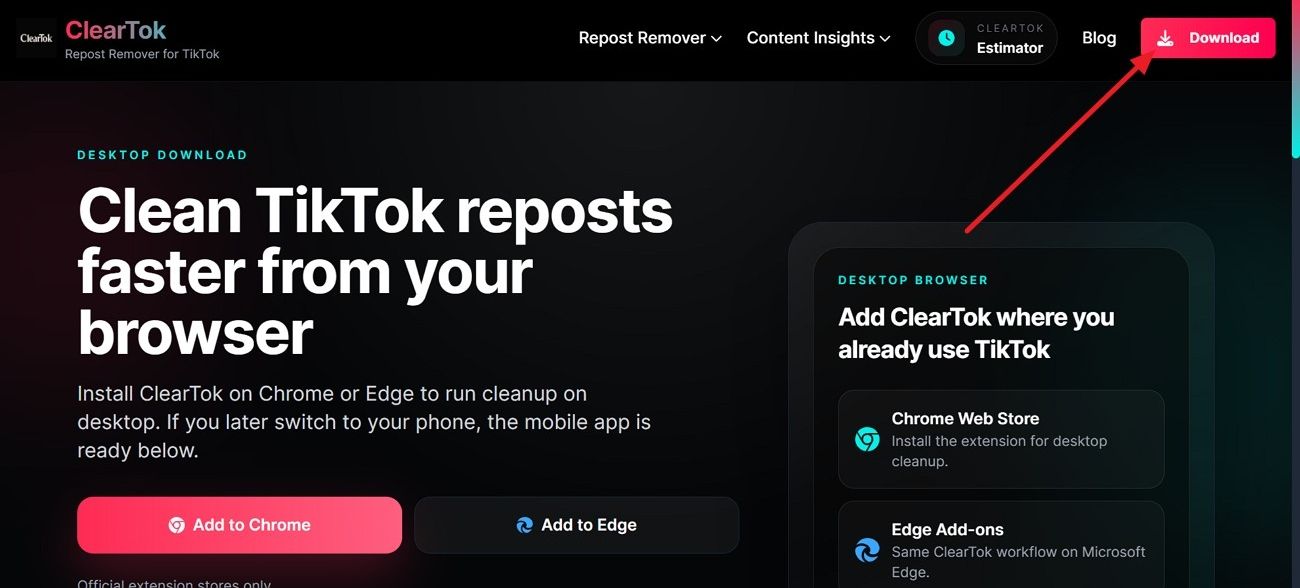
Download ClearTok for Chrome, Edge, Firefox, iPhone & Android
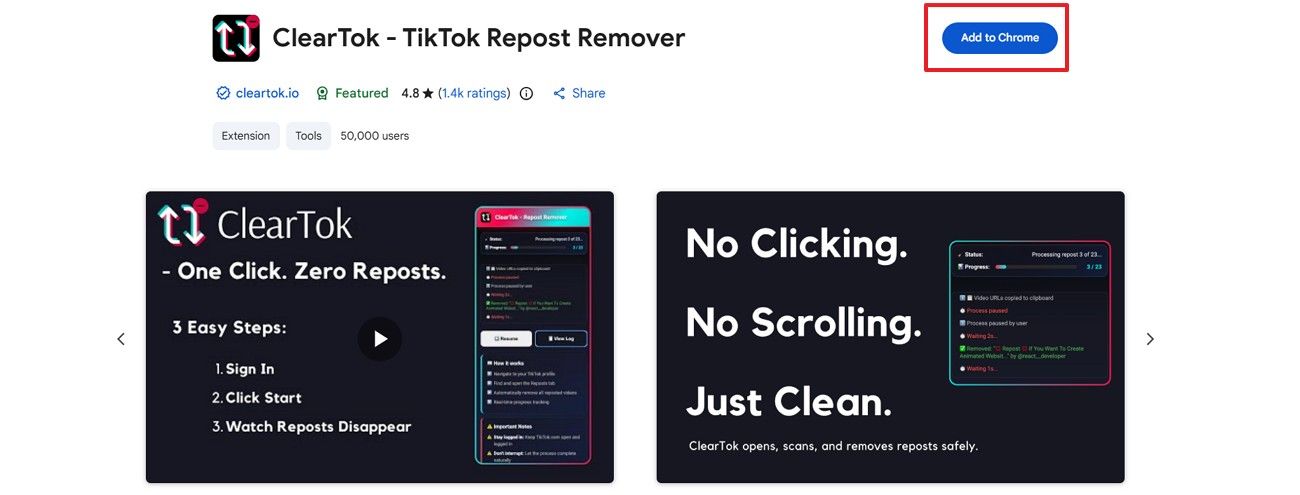
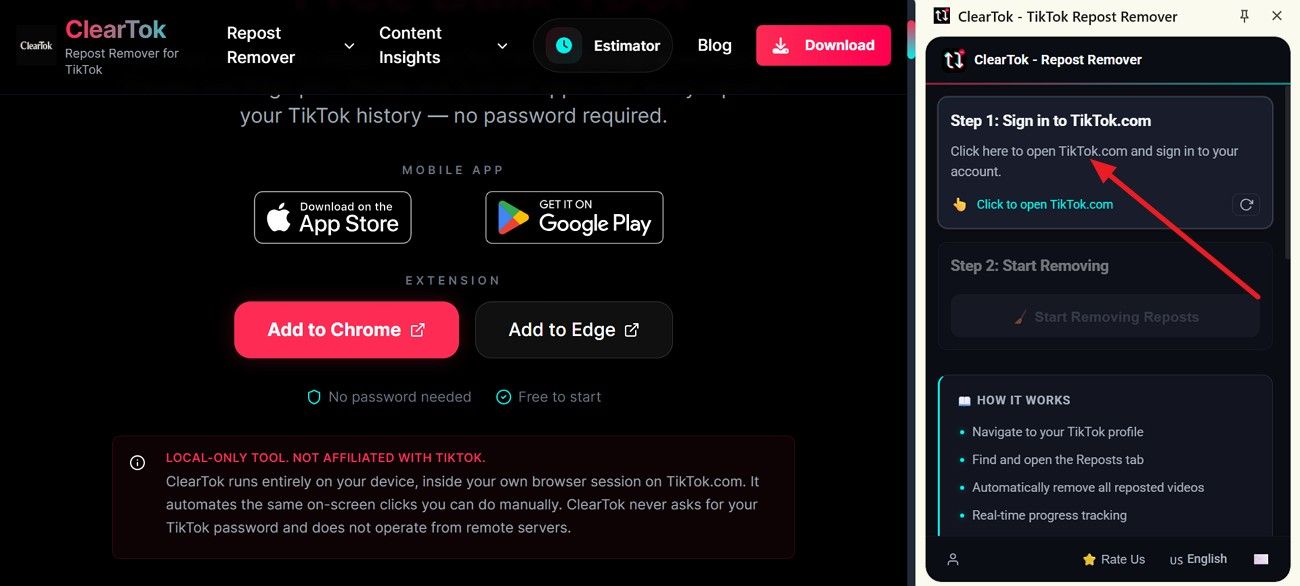
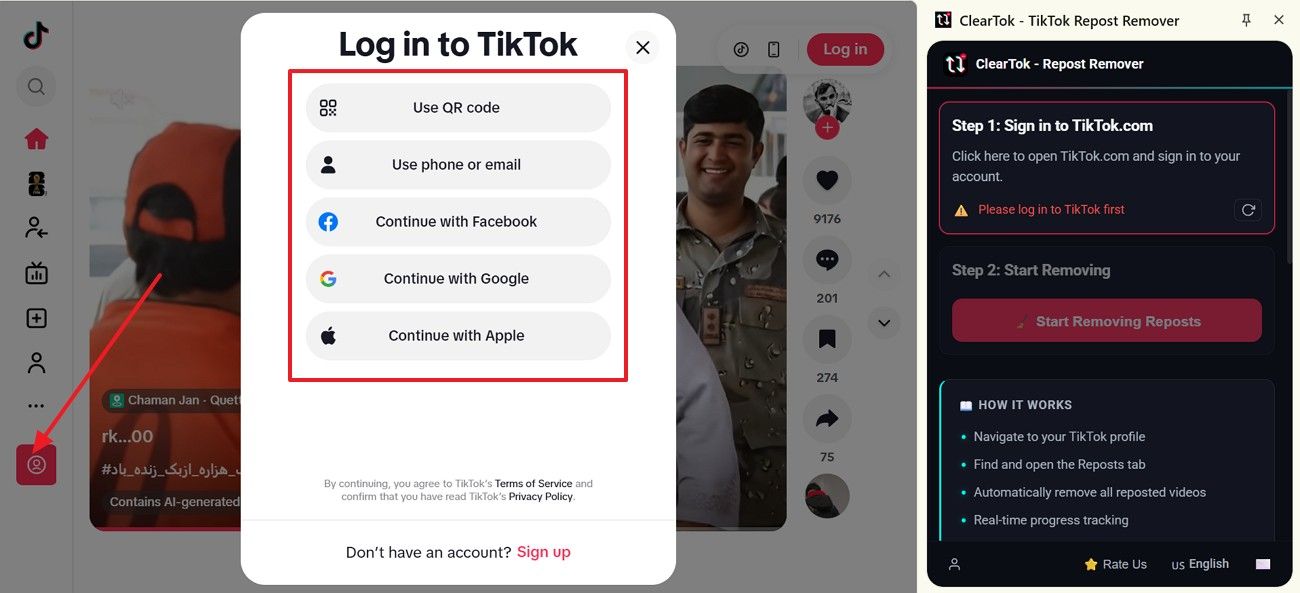
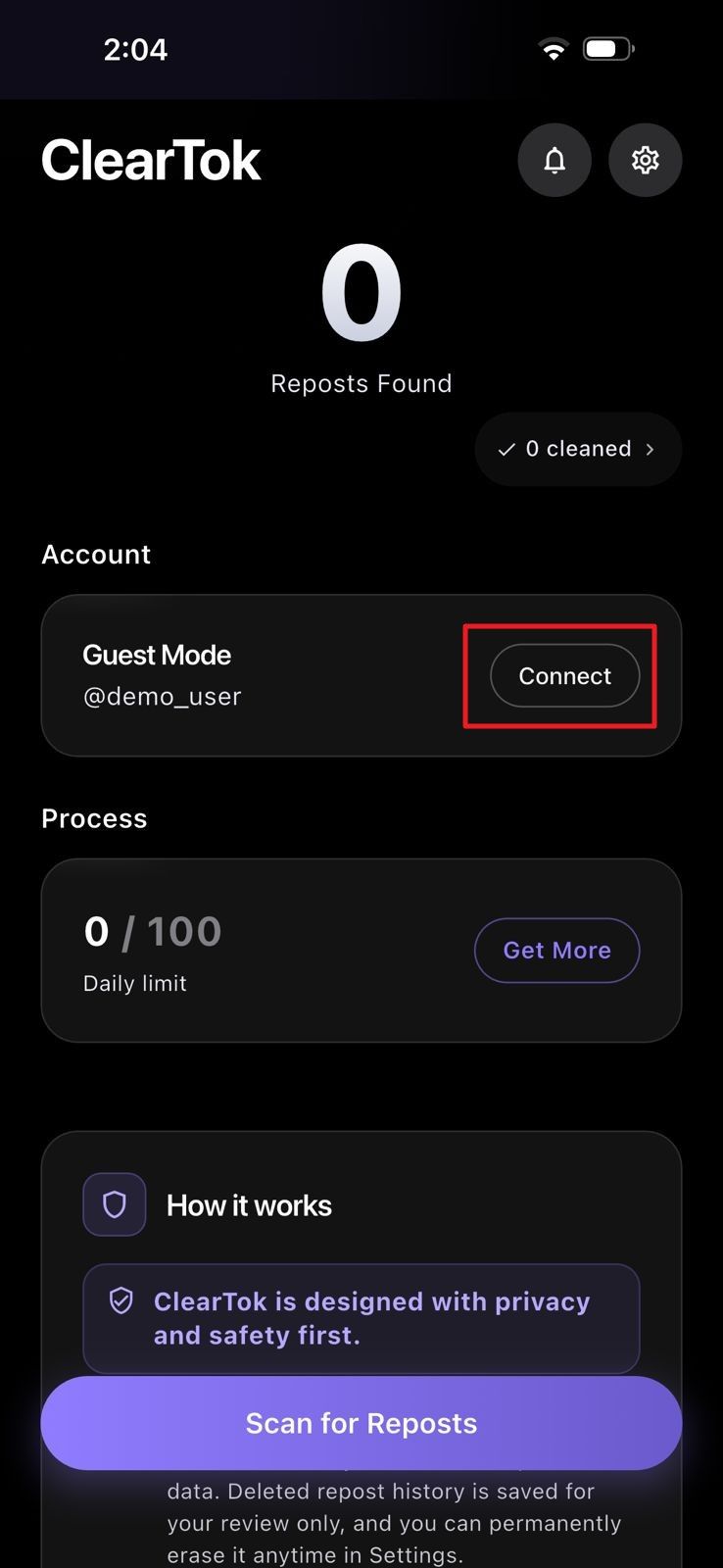
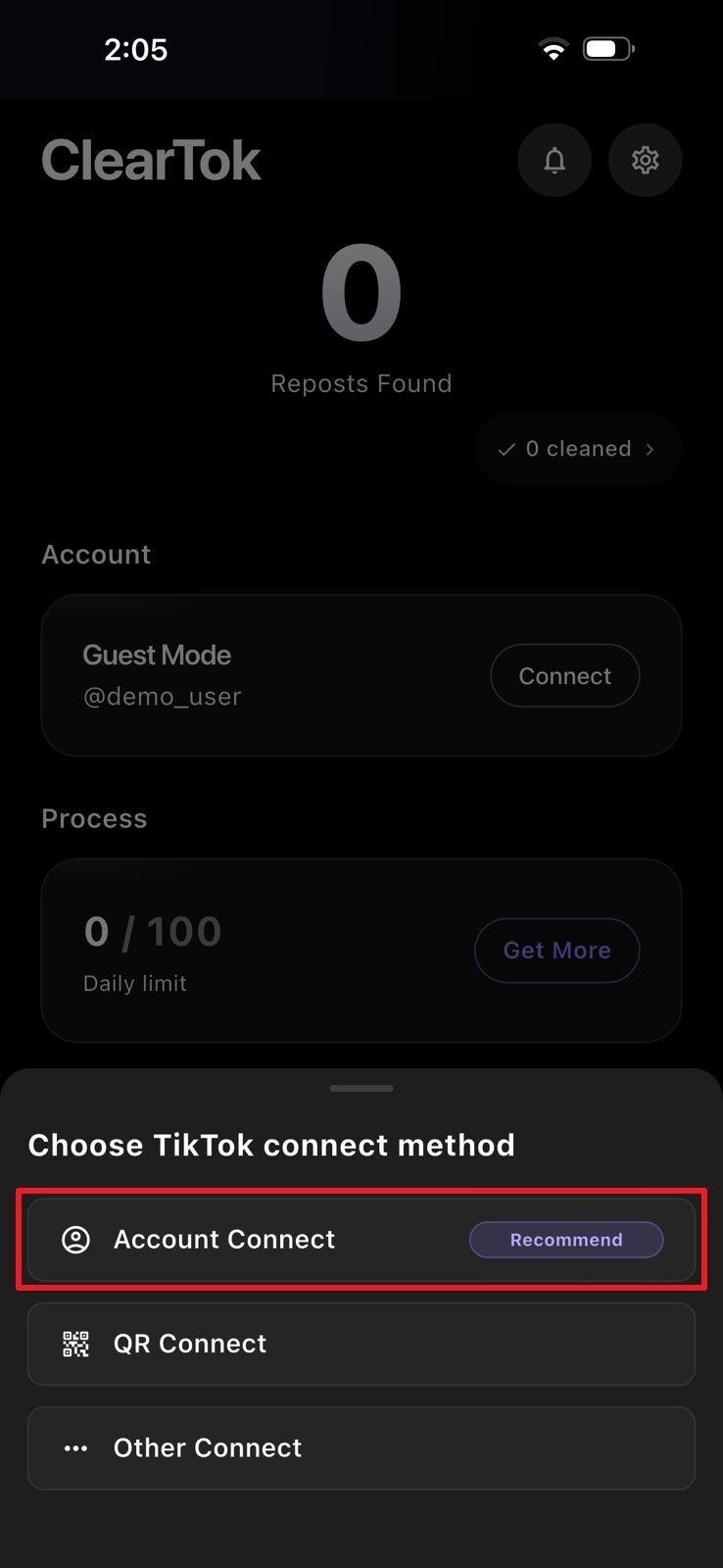
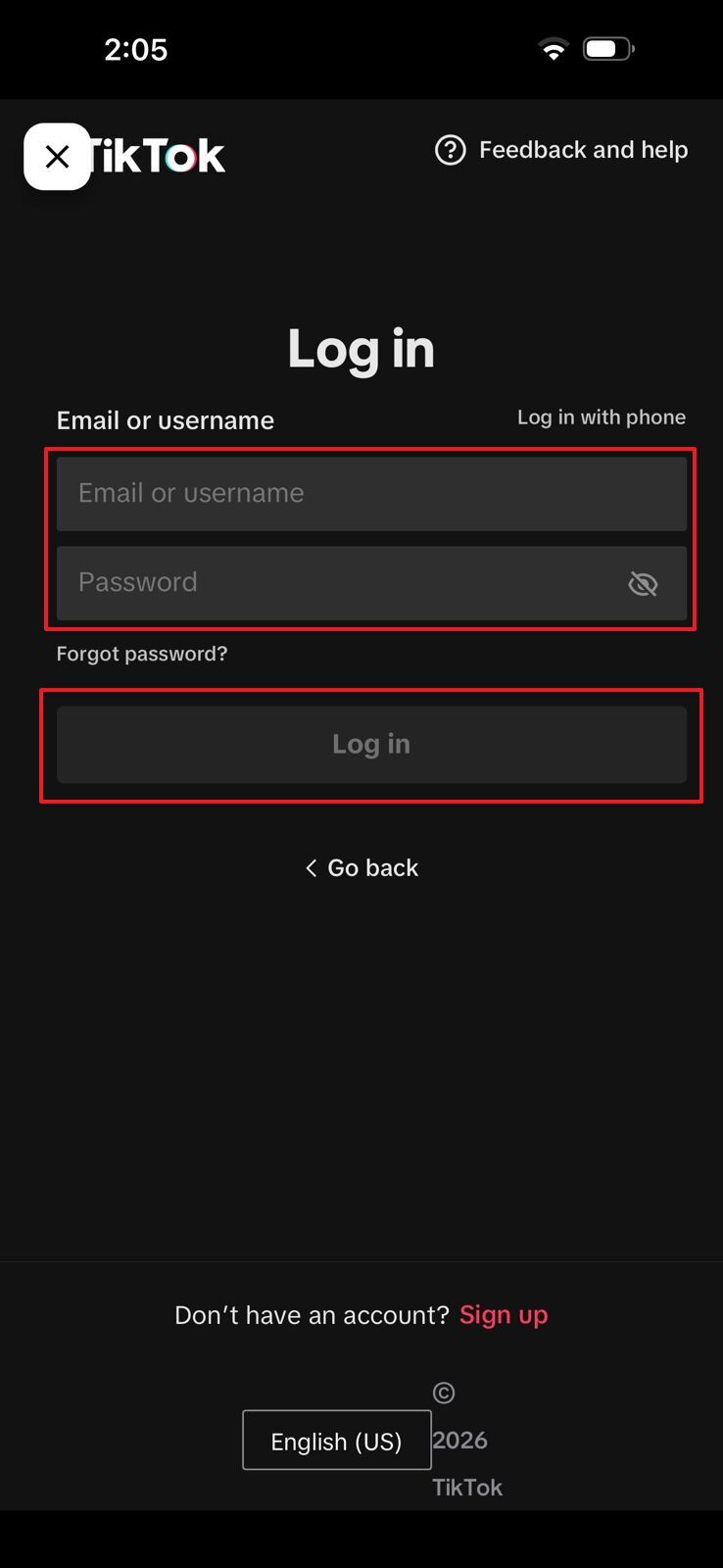
ClearTok is a TikTok repost removal tool for people who want to remove unwanted reposts more efficiently. Use the browser extension on Chrome, Edge, or Firefox, or install the mobile app on iPhone, iPad, or Android.
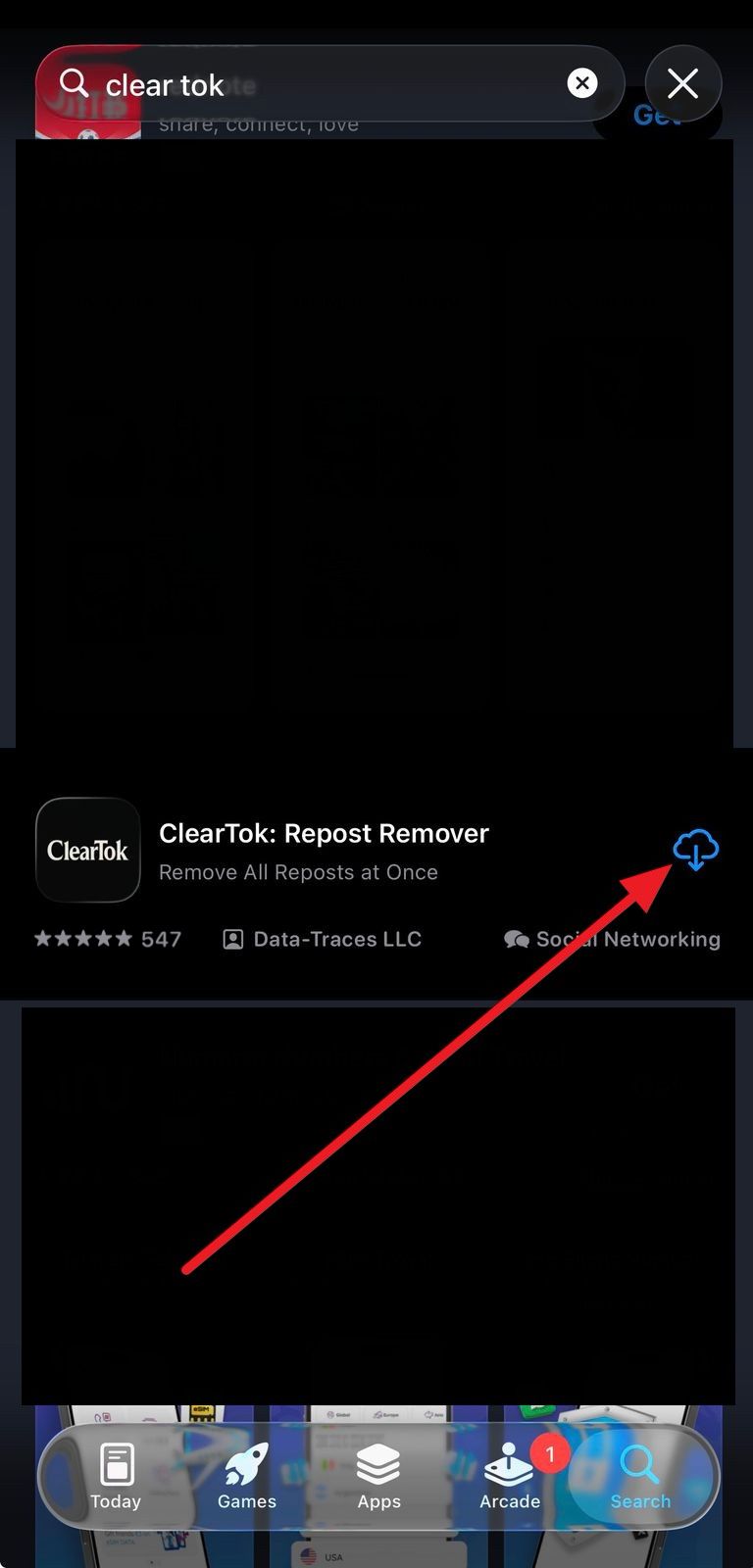
Choose your device below. Chrome, Edge, and Firefox share one desktop workflow, while iPhone, iPad, and Android share one mobile workflow. Each option opens the correct official store, extension page, or verified ClearTok source.
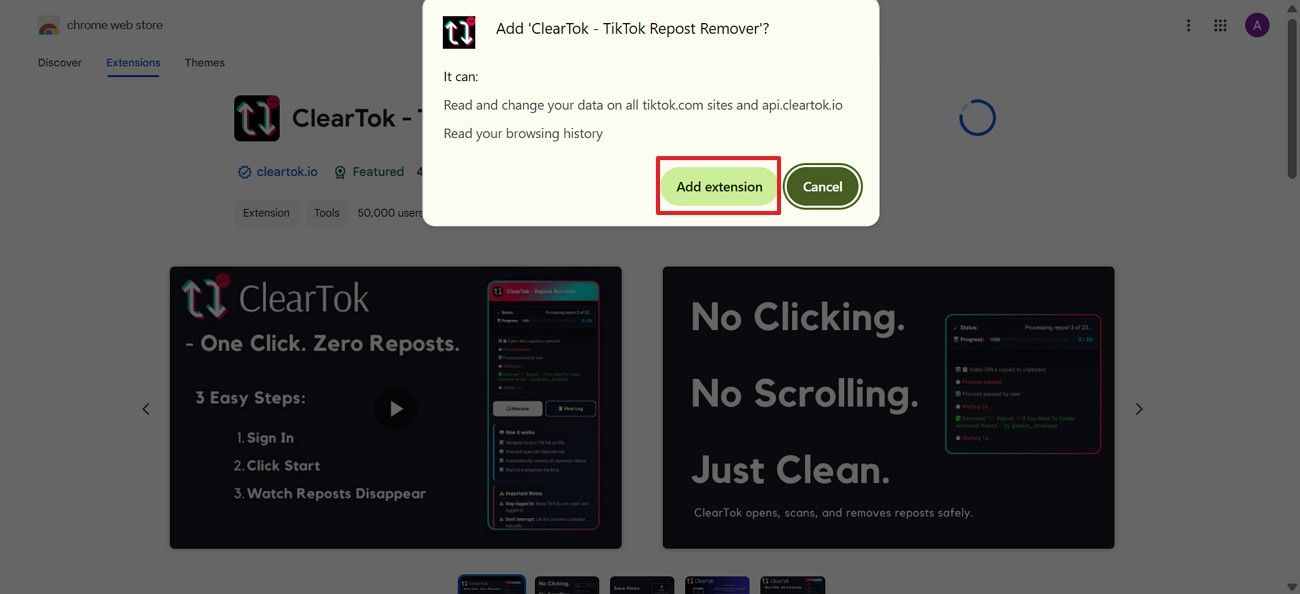
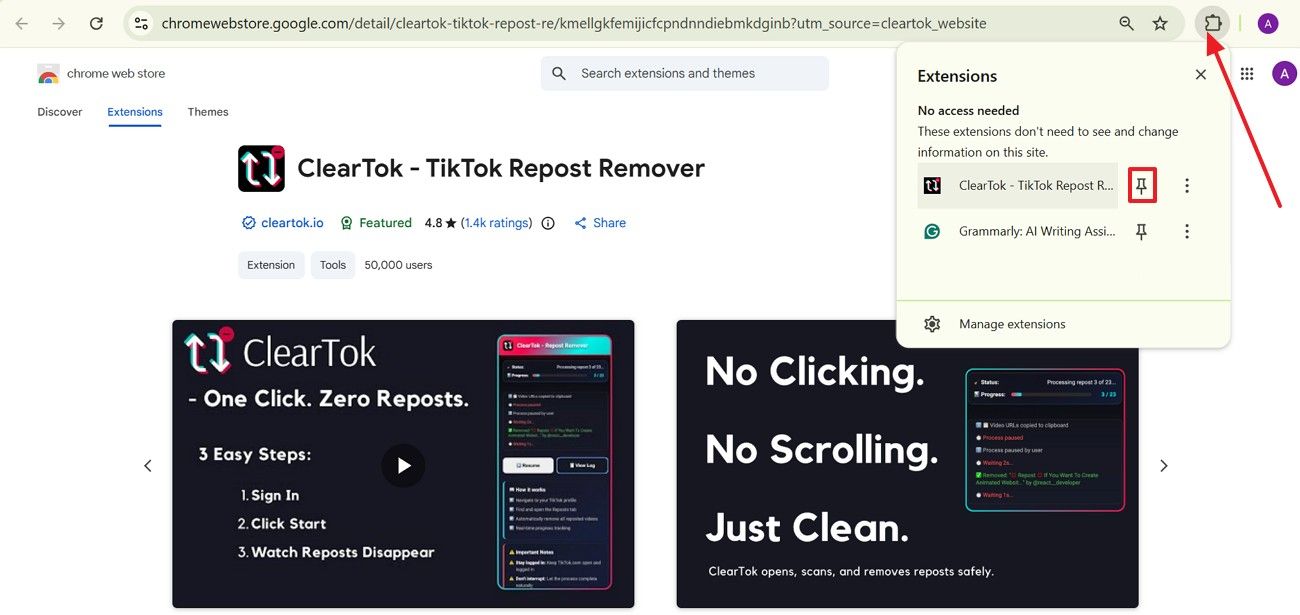
To download ClearTok, select your device first, confirm the app or extension details, then continue with the official installation prompt. Use trusted sources so you get current updates and avoid unsafe copies.