Overview
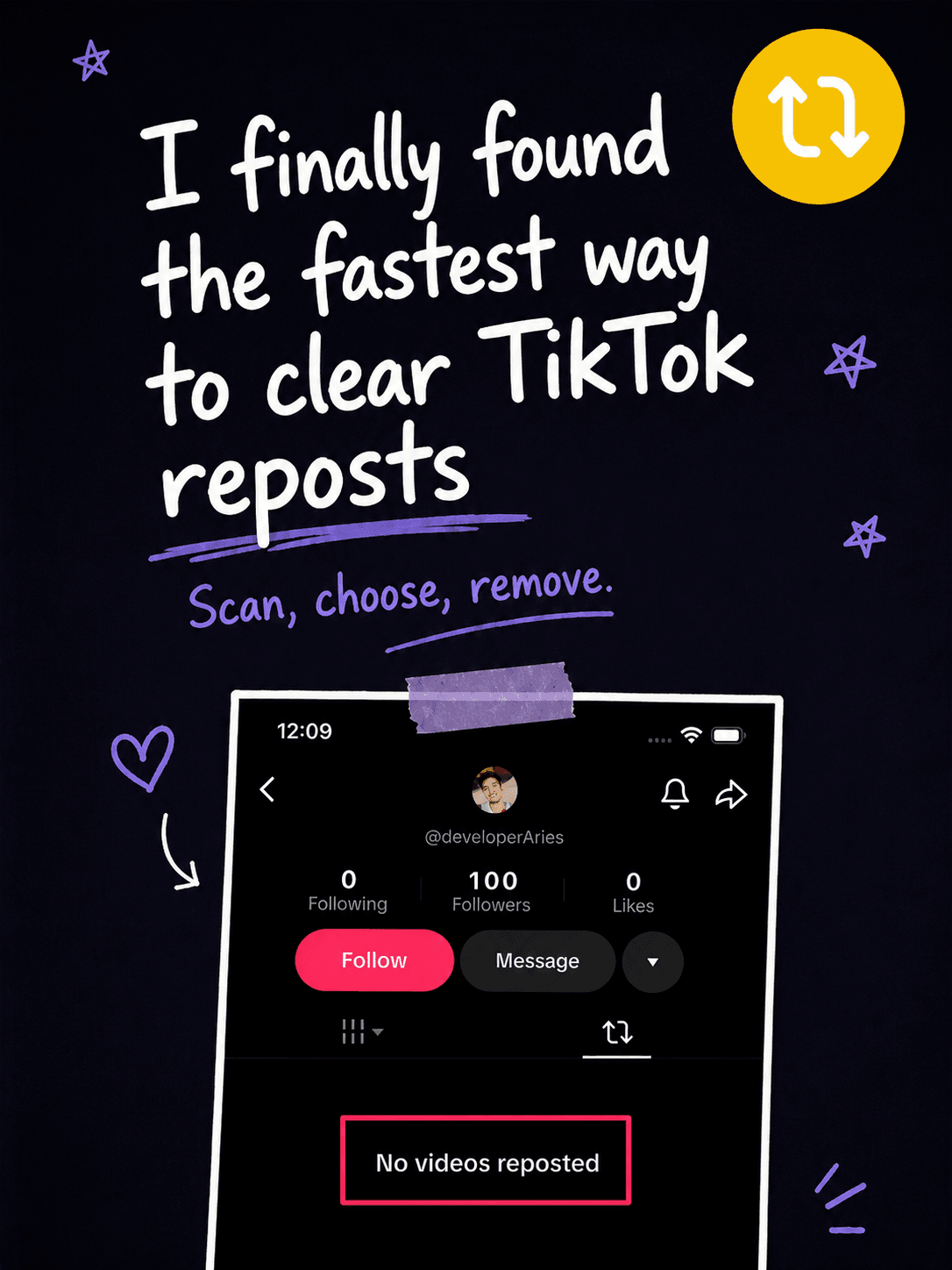
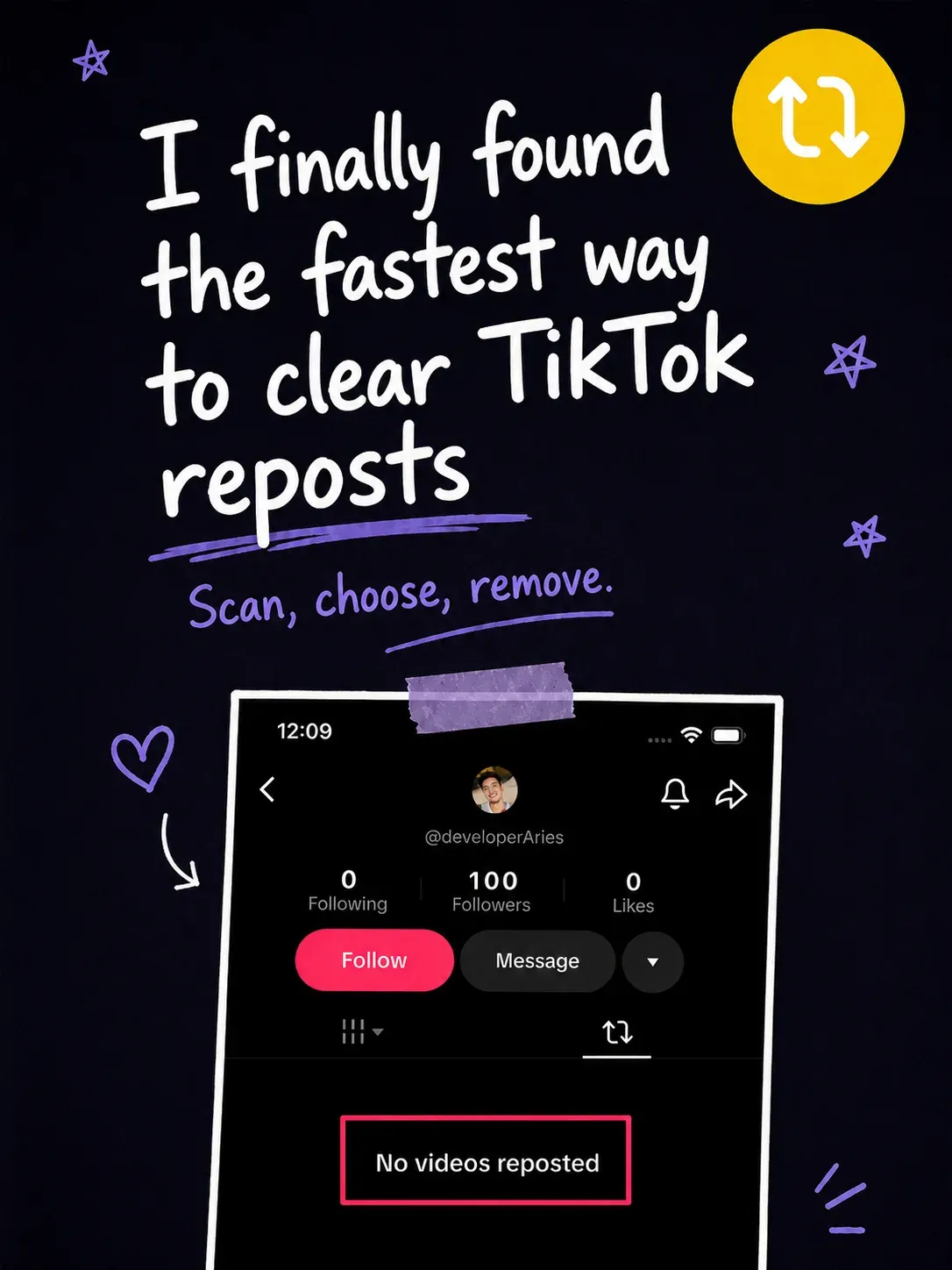
Fastest way to clear TikTok reposts
Use this as the opening visual when introducing the ClearTok workflow.
Partner kit
Copy approved captions, download vertical image assets, and open past collaboration examples before you publish ClearTok content.
Image assets
Use PNG for publishing and WebP for fast previews. The assets are ordered in the recommended story sequence.
Overview
Use this as the opening visual when introducing the ClearTok workflow.
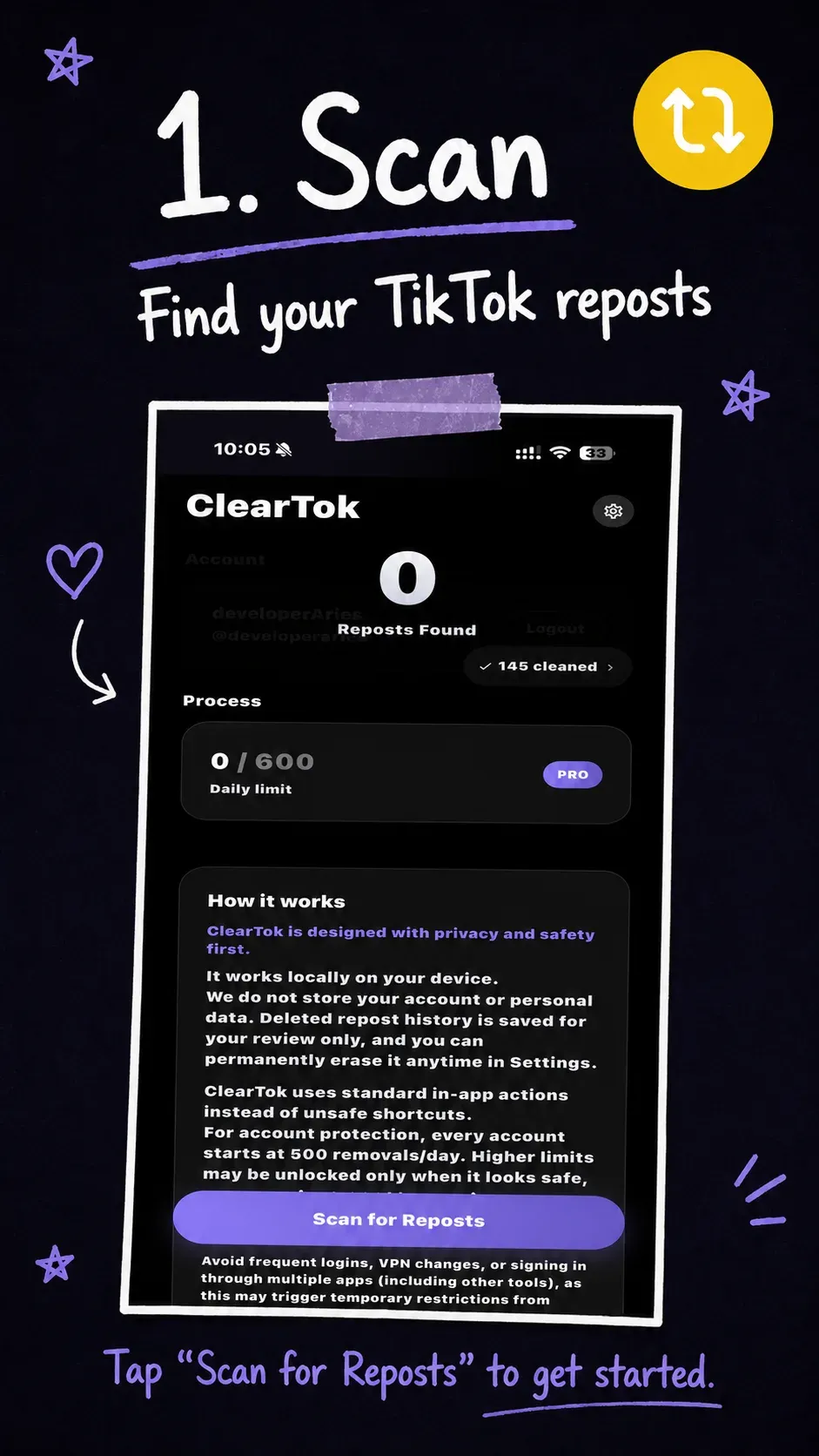
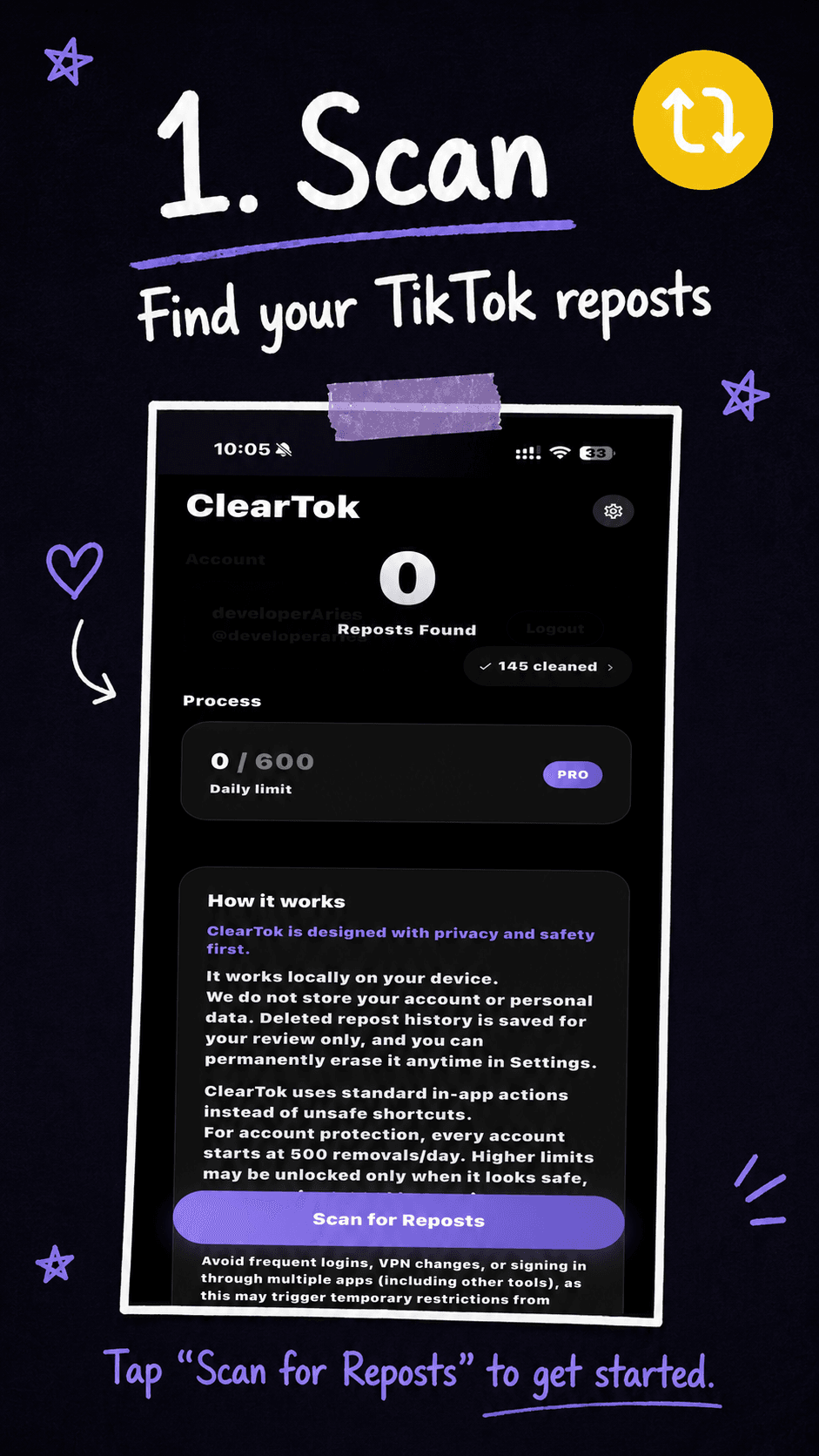
1. Scan
Shows the first action partners can demonstrate inside ClearTok.
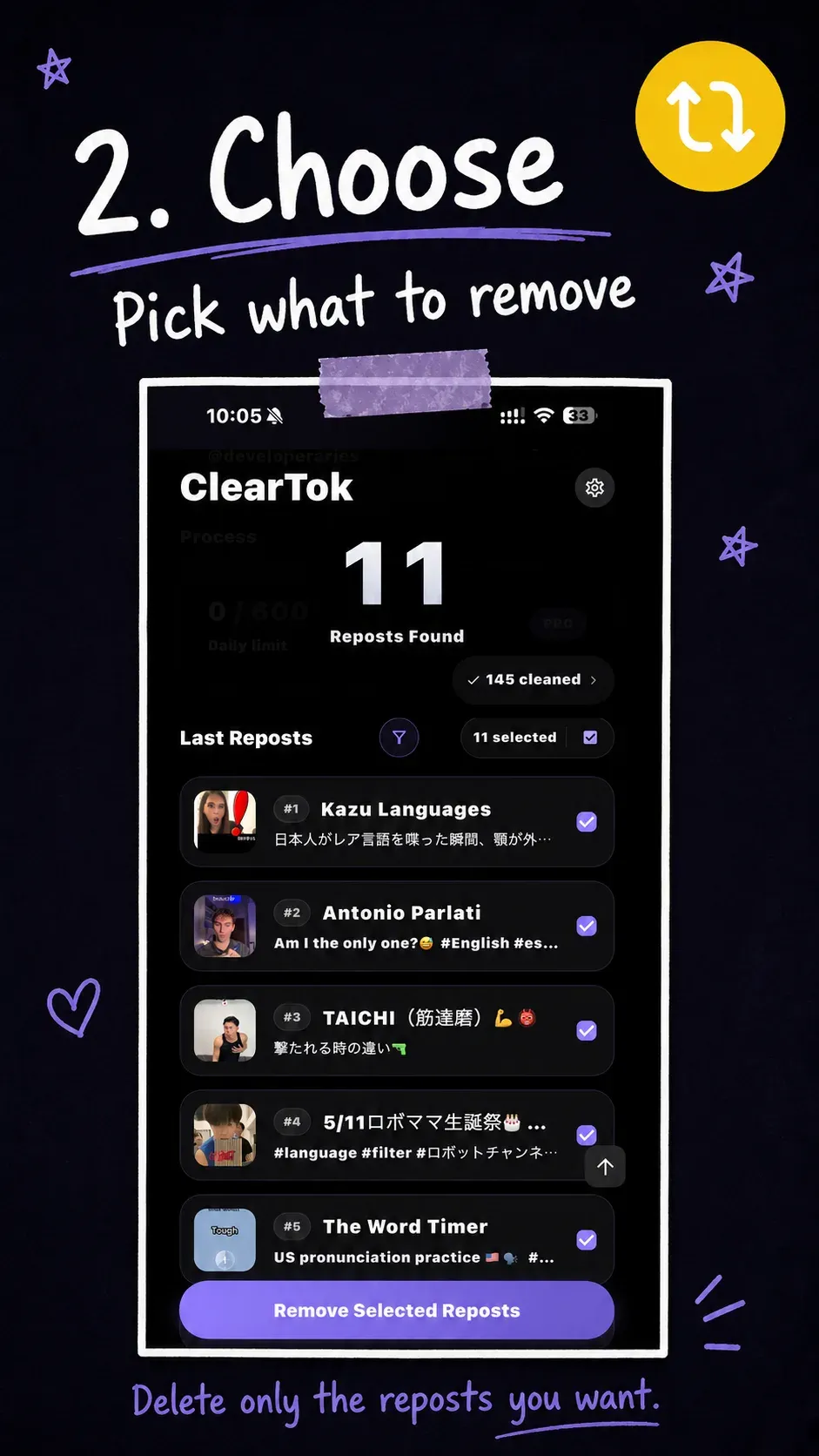
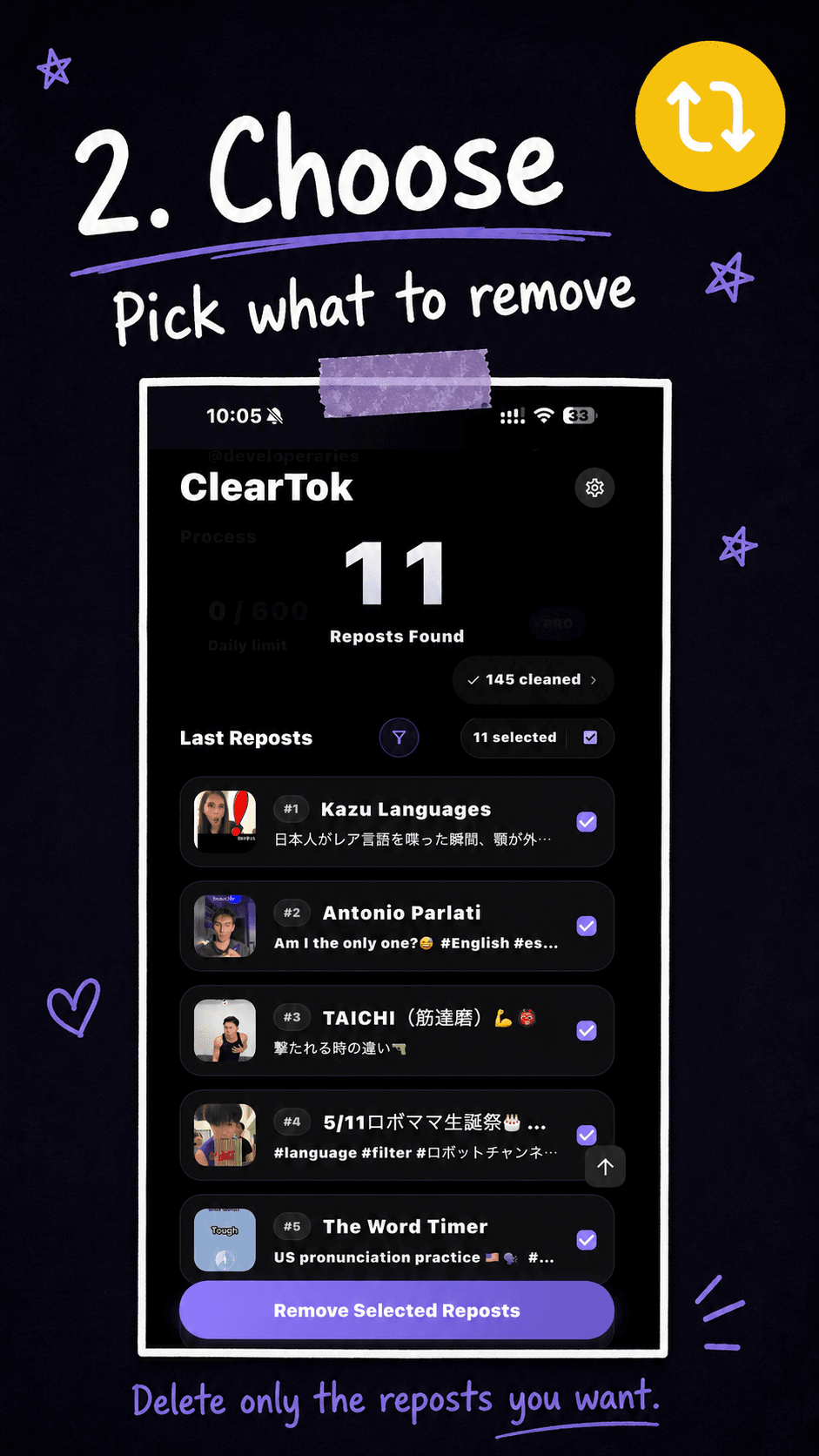
2. Choose
Useful for explaining that people can choose the reposts they want to delete.
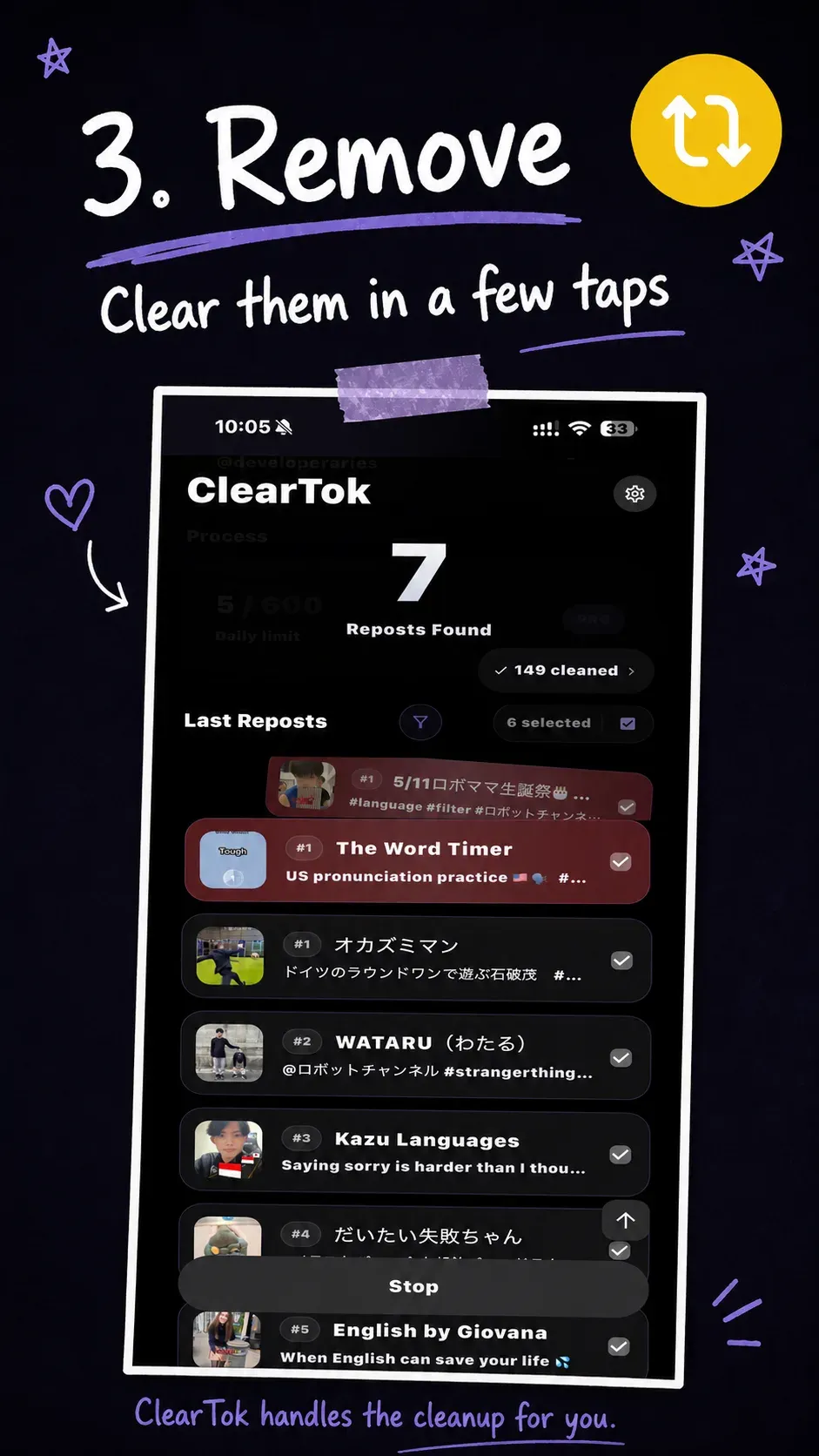
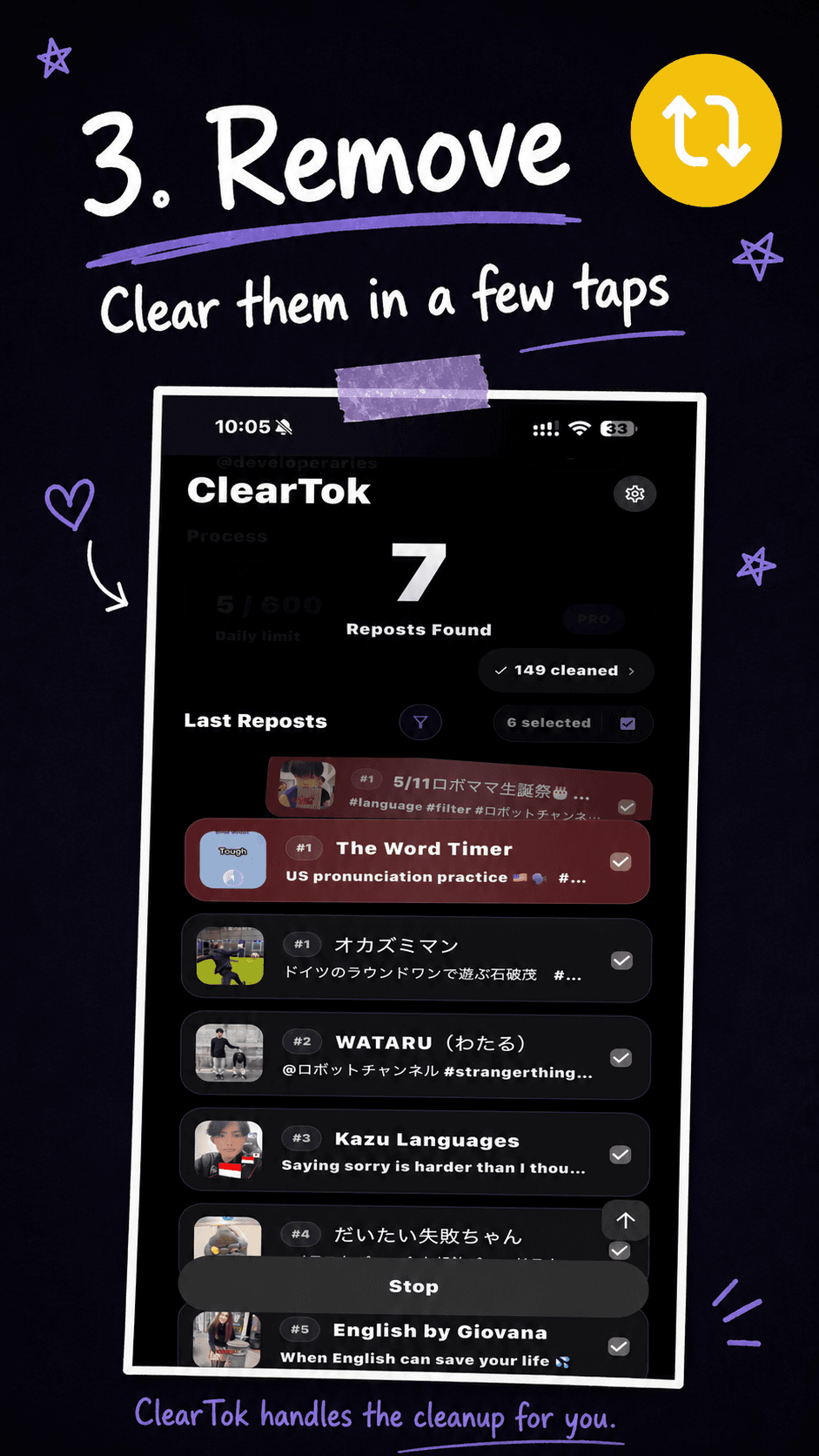
3. Remove
Highlights the active cleanup step for short-form tutorial posts.
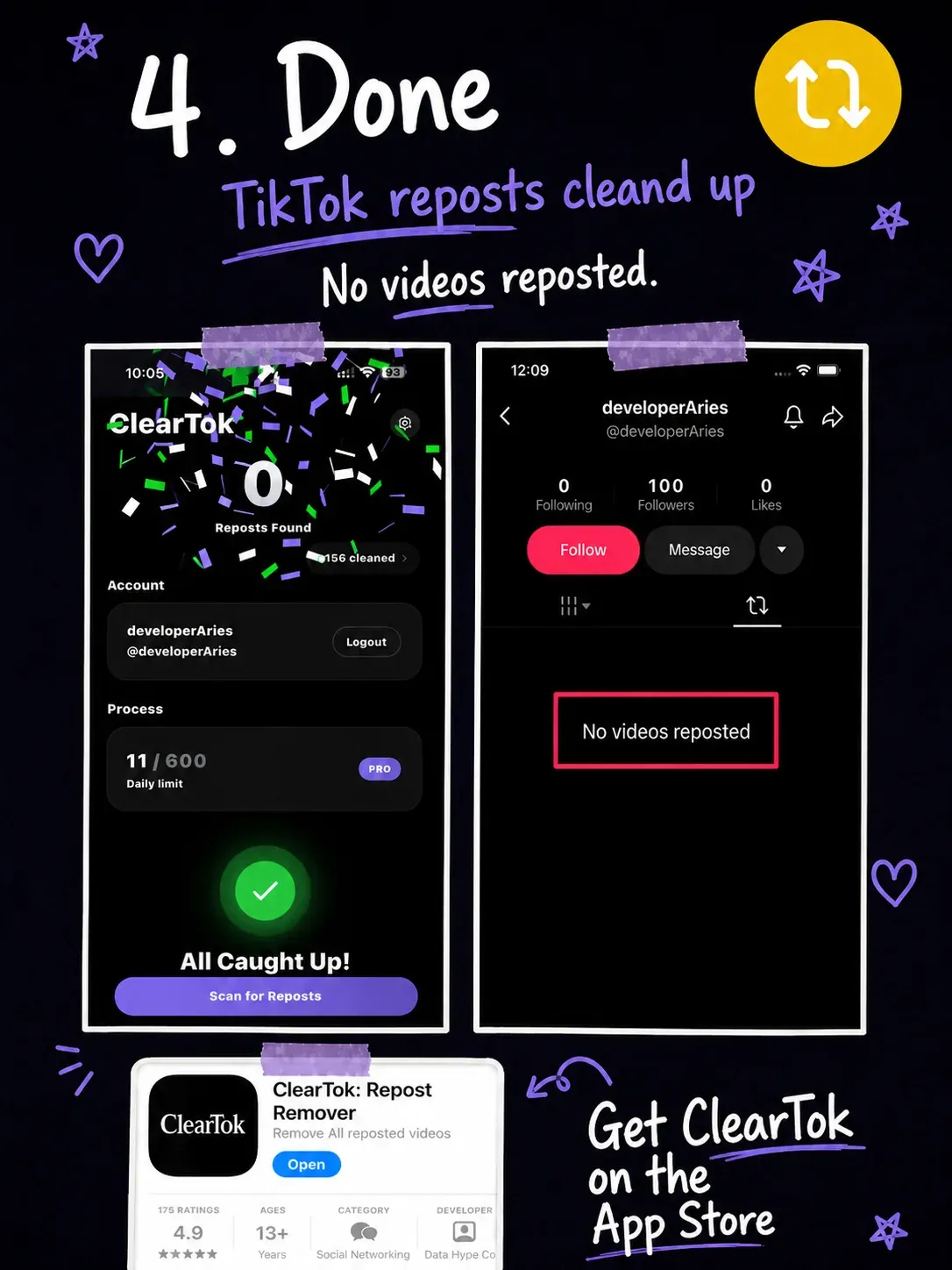
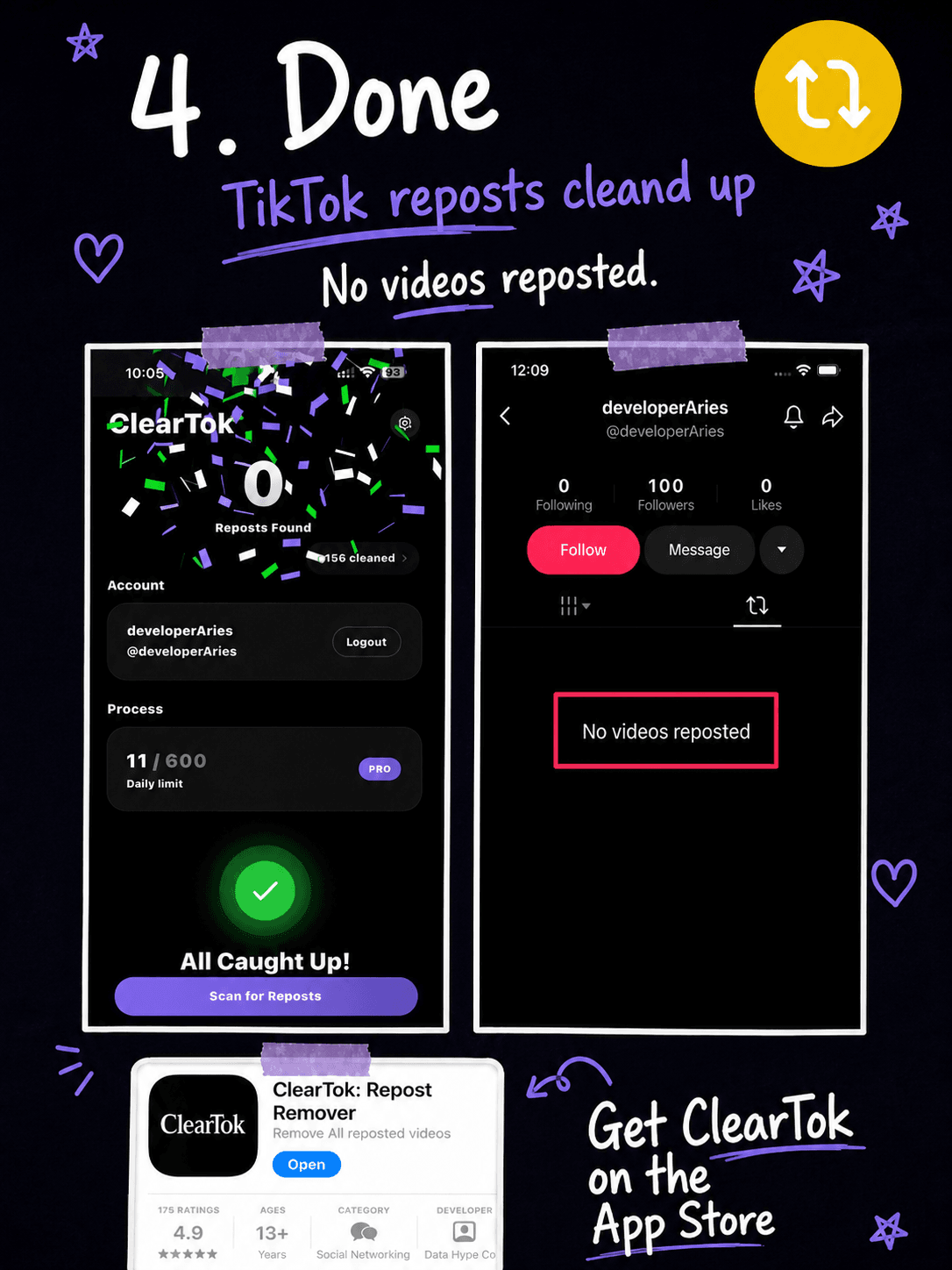
4. Done
Use this as the closing visual or proof point after the cleanup flow.
Caption scripts
Use these as-is or lightly adapt the opening line to match your own speaking style.
Caption 01
I had way too many old TikTok reposts, so I tried ClearTok.
It cleaned them up way faster than doing it one by one.

 #TikTokTips #TikTokReposts #ClearTok #TikTokCleanup #RepostCleanup #SocialMediaTips
Caption 02
Finally cleaned up my old TikTok reposts.
ClearTok found them, let me choose what to delete, and made the whole process way easier.
#TikTokReposts #ClearTok #TikTokTips
Video examples
These TikTok links stay lightweight on the page and open directly when you need reference material.
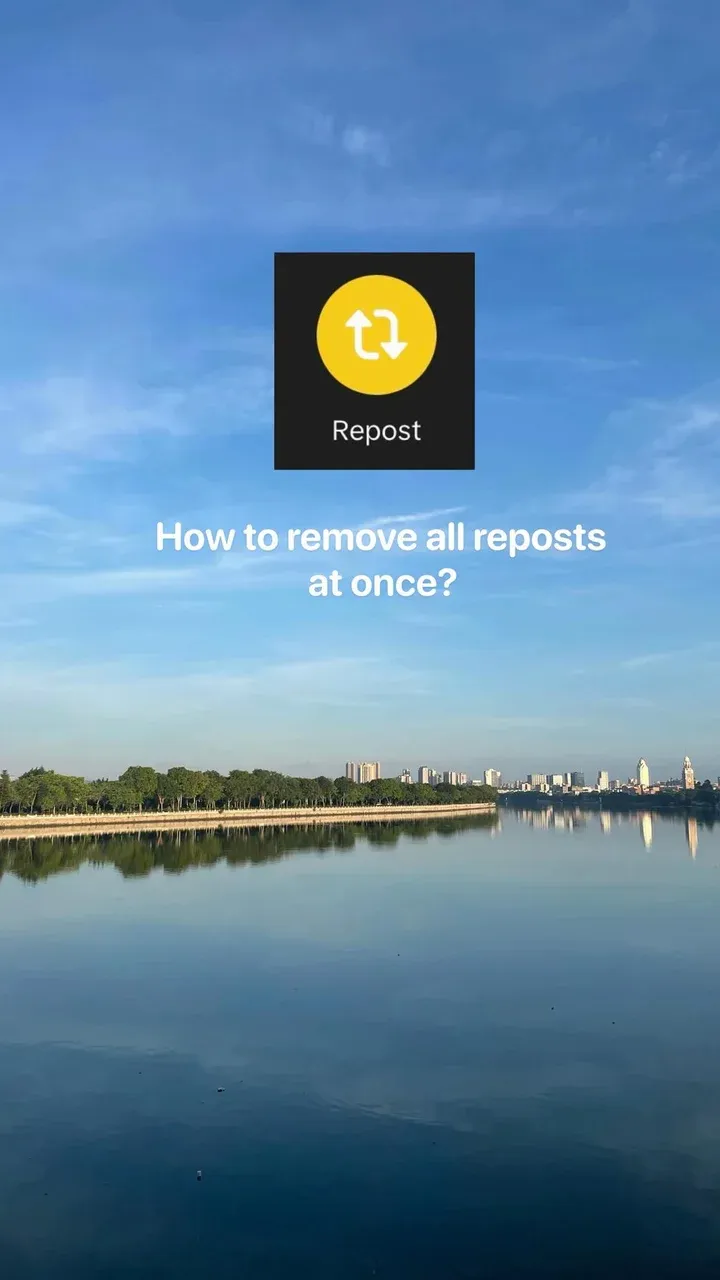
Case 01
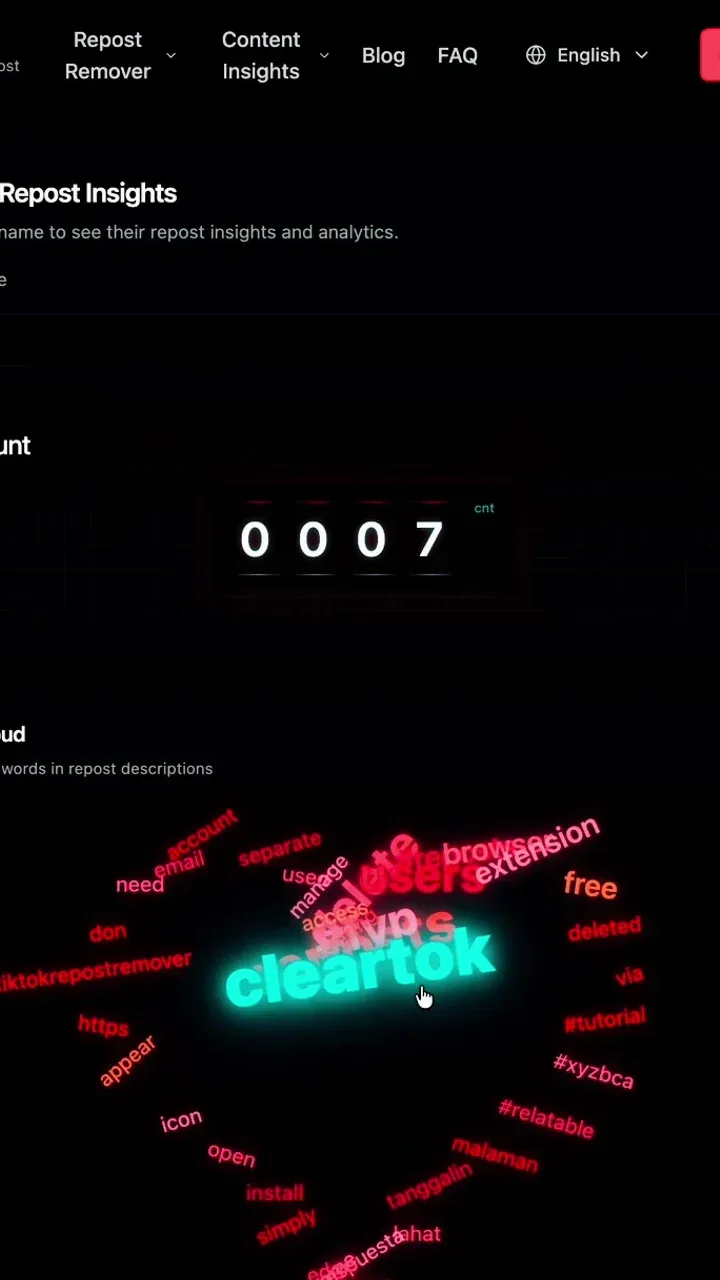
Case 02
Case 03
Case 04