
Desktop (Extension)
ClearTok runs locally in your browser — no passwords, no external servers, no API access.
- 1
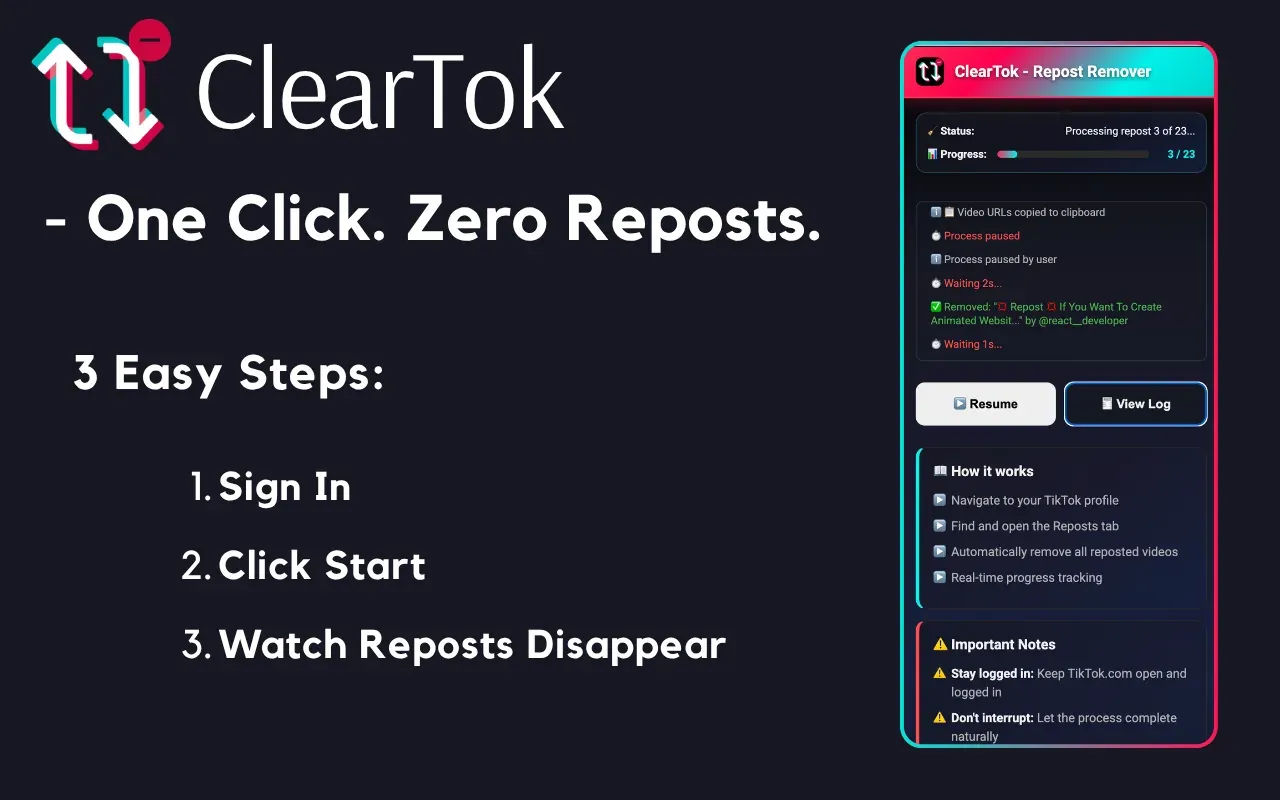
Open TikTok on Desktop
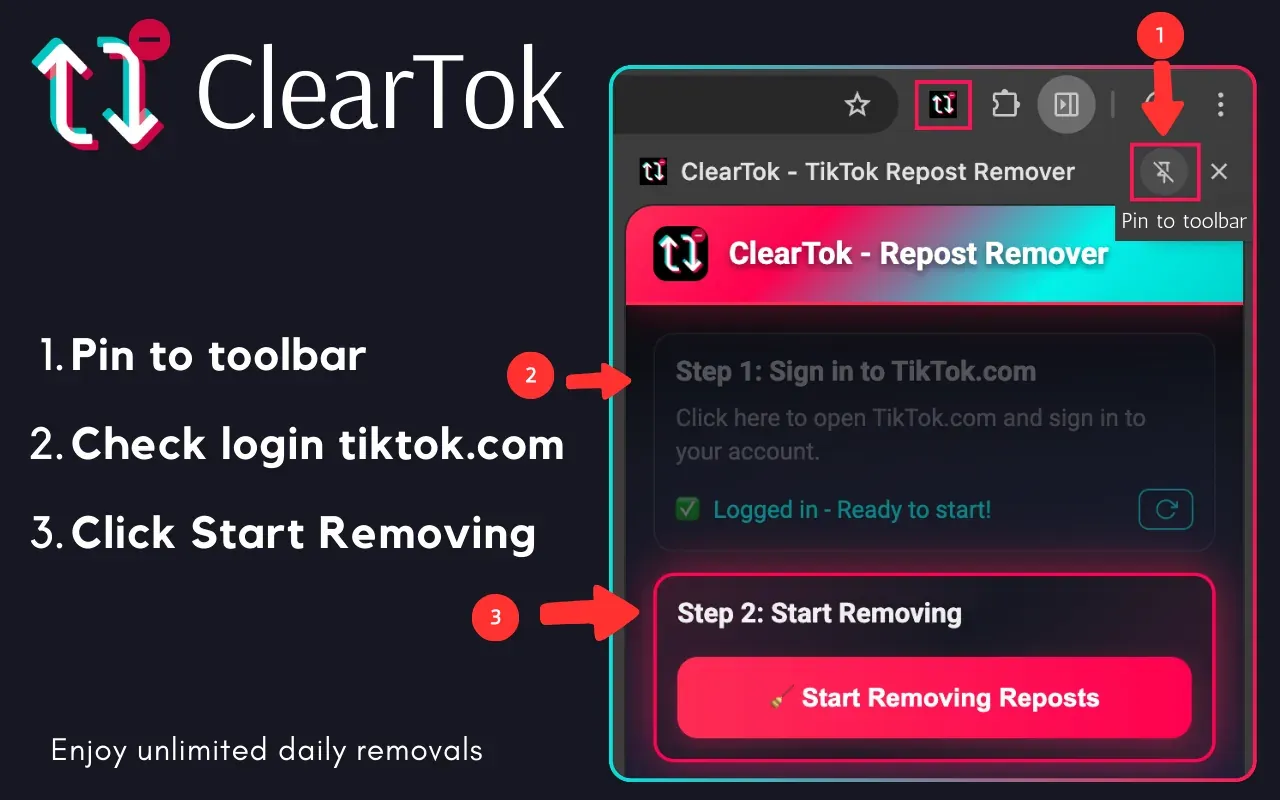
Go to TikTok.com and sign in on Chrome or Edge.
- 2
Start Cleanup with ClearTok
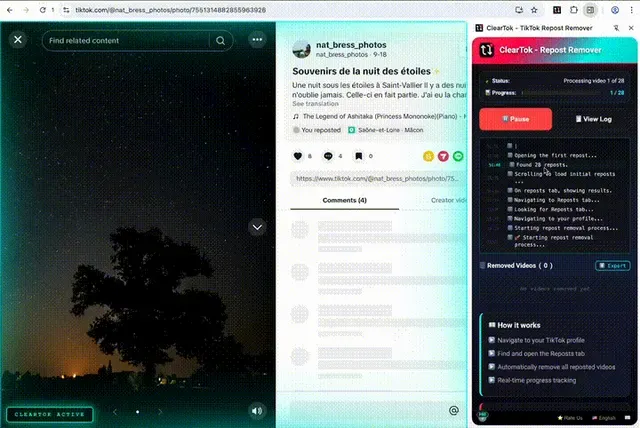
Open the ClearTok extension and click "Start" to begin removing reposts.
- 3
Track & Control Progress
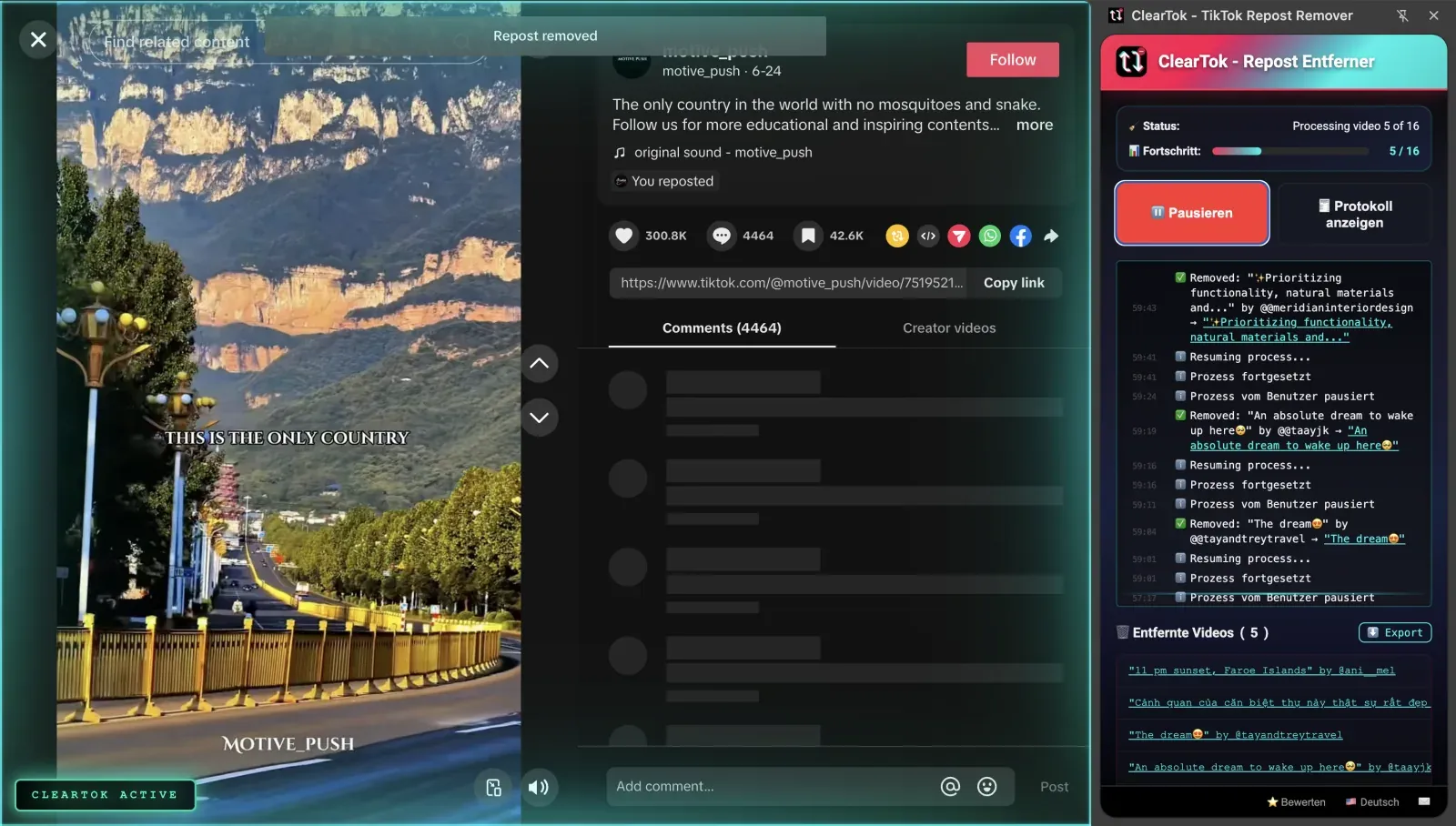
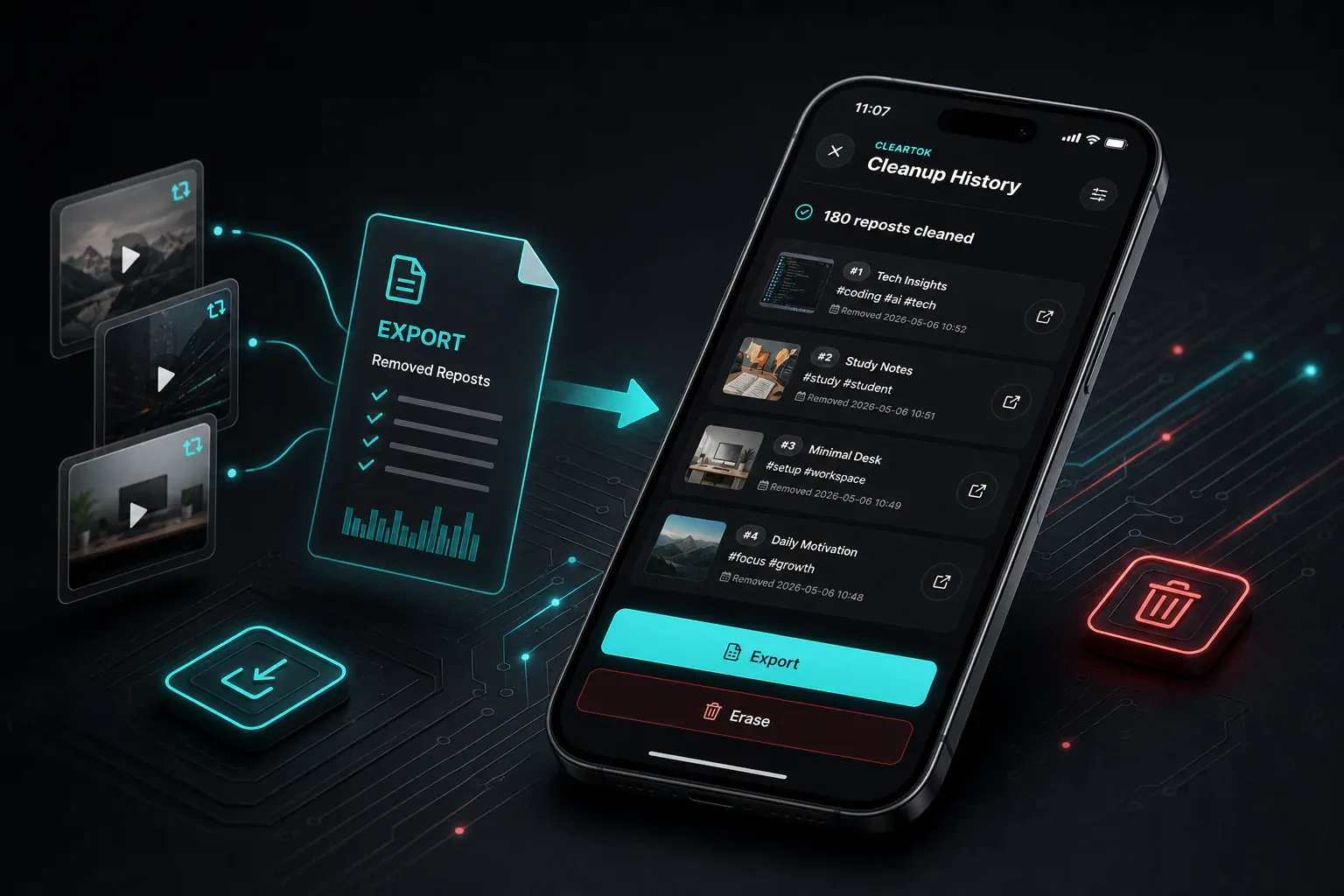
Watch progress in real time — pause anytime and export results when done.
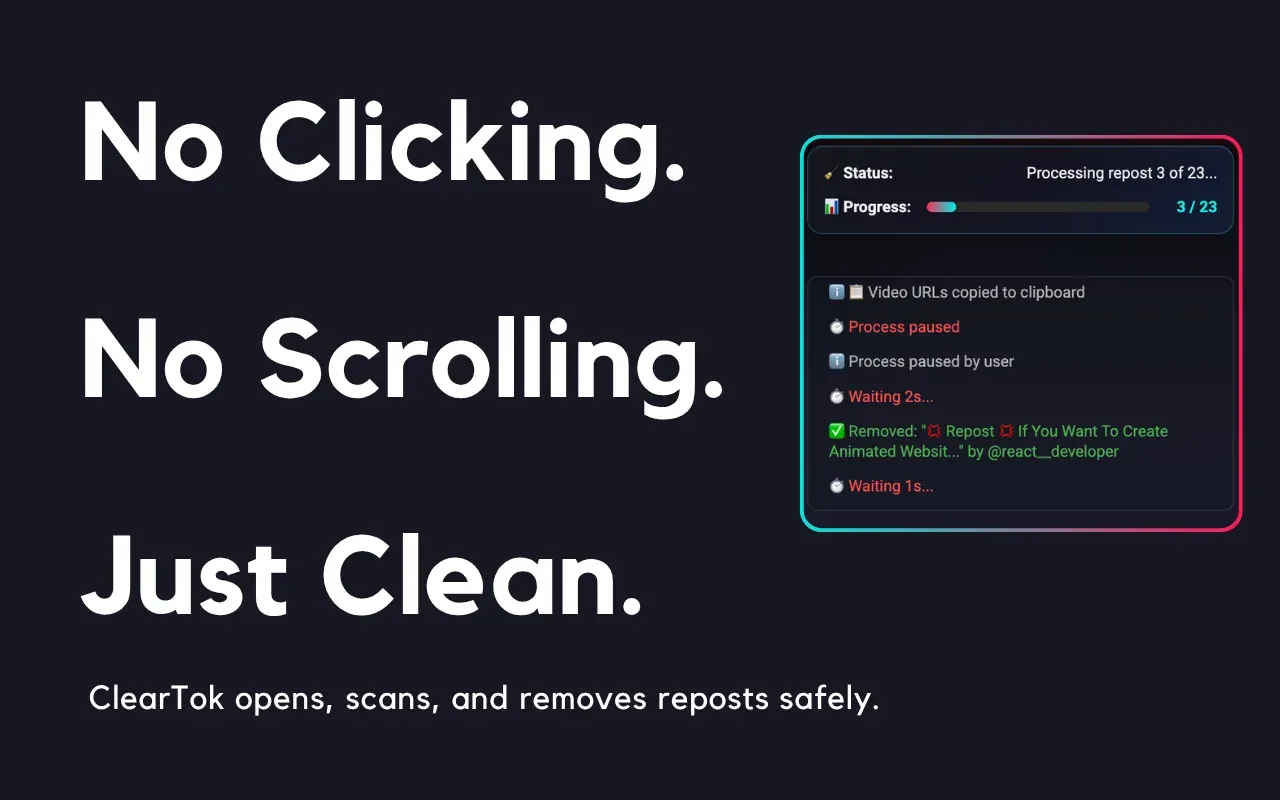
It automates the same on-screen clicks you would do manually, removing reposted videos one by one with human-like pacing to stay within TikTok's limits.
No password requiredNo Data StoredNo API access