
Remove All TikTok Reposts at Once
The free TikTok repost remover for Chrome, Edge, iPhone, and Android. No password, no ads.
Clean up your repost history safely on desktop or mobile — ClearTok works inside your own session, so your password never leaves your device.
- Chrome
- Edge
- iPhone/iPad
- Android


Local • Fast • Private • Smart filtering
Remove all reposted videos on TikTok from your phone — fast and private.

Local • Fast • Private • No password required
4.7(130+ reviews) on Chrome store
Local • Fast • Private • No password required
4.7(130+ reviews) onChrome store
ClearTok mobile
Scan to download the mobile app
Local • Fast • Private • Smart filtering
Remove all reposted videos on TikTok from your phone — fast and private.
Independent tool for TikTok. Not affiliated with or endorsed by TikTok.
See ClearTok in Action
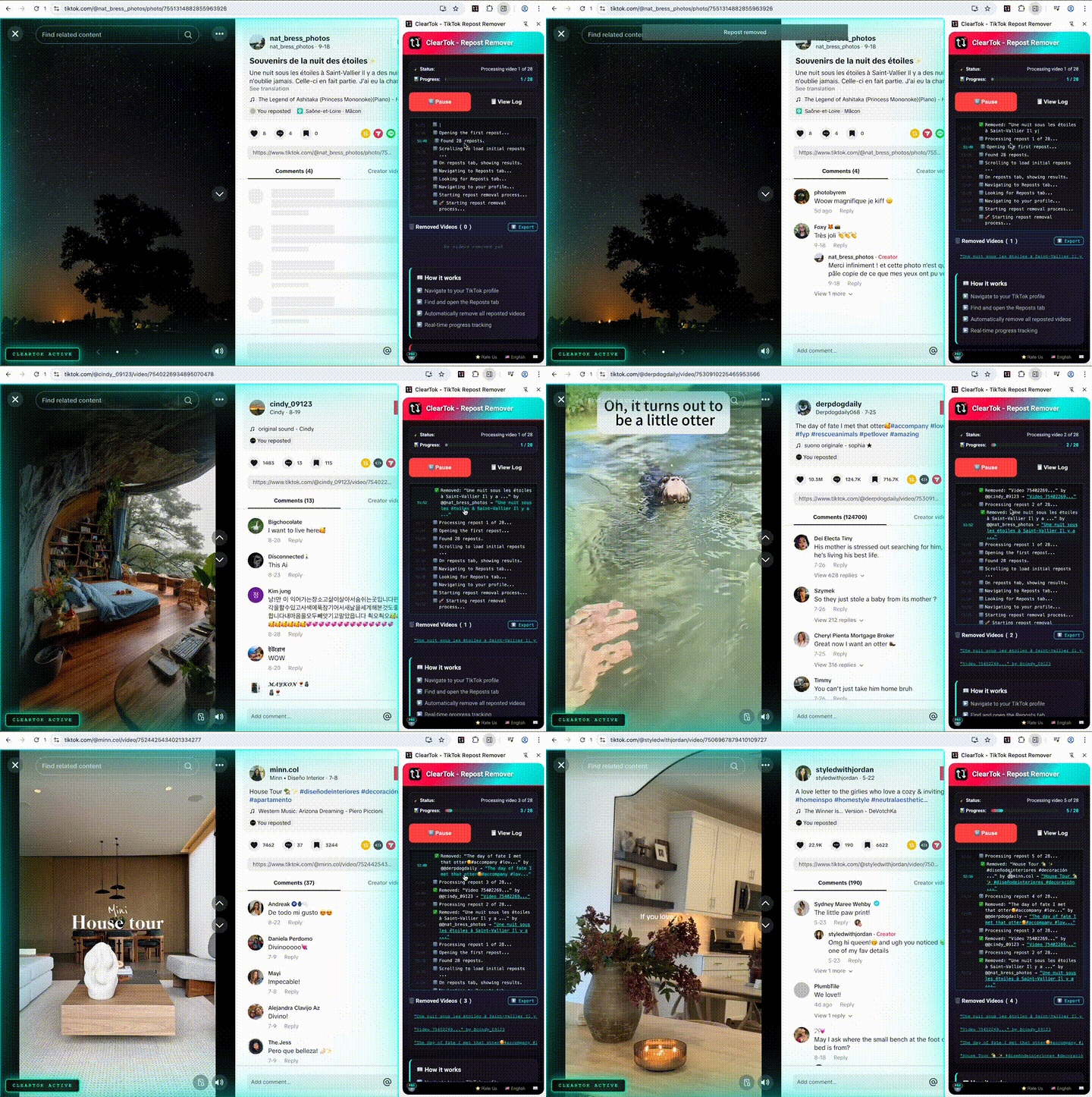
Watch how ClearTok removes all your reposted videos in minutes — on desktop and mobile.
Desktop Extension
Remove all reposts on Chrome & Edge
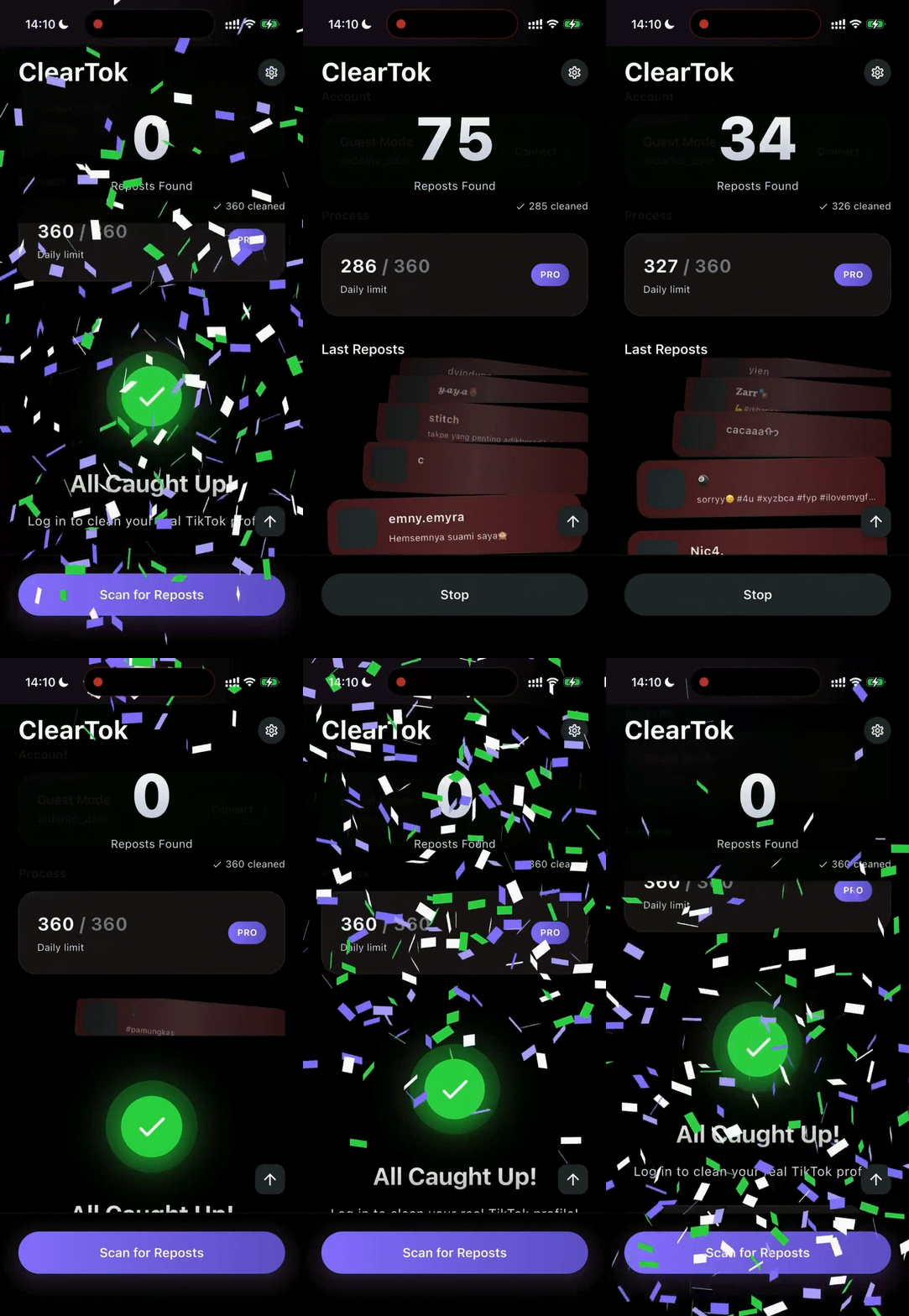
ClearTok for iOS&Android
Remove all reposts in minutes — right on your iPhone/Android
Install ClearTok
Install ClearTok in seconds — available on the Chrome Web Store, Edge Add-ons, and the App Store.
Load Your Reposts
Open ClearTok and wait for your reposts to load..
Delete in One Click
Click Start once, and ClearTok removes each repost automatically with safe pacing in your own session.
Click to load video
Mobile Notice
For the browser workflow, visit TikTok.com on desktop in Chrome or Edge. iPhone and iPad users can also use the ClearTok iOS app.
What ClearTok Does
Everything you need to bulk-remove reposted videos from your TikTok profile — fast, safe, and private.
Repost Remover for TikTok
Remove all TikTok reposts in bulk — save hours of manual tapping
Keep Recent Reposts
Choose to keep your most recent reposts and only remove older ones.
100% Local
ClearTok keeps all actions in your browser session and never asks for your TikTok password
Export Deleted URLs
Download a complete list of all removed video URLs for your records
Real-time Monitoring
Watch removals in real time with detailed progress and stats — pause anytime.
Smart Human-Delay
Uses built-in pacing to reduce aggressive action bursts during cleanup
Open-Source Transparency
Review the code and privacy approach — ClearTok is open-source on GitHub
Background Operation
Continue working while ClearTok removes reposts in the background
Free to Start
Free to delete 100 reposts per day
⏱️ ClearTok Time Estimator
Wondering how long it takes to remove all your reposts?
🚀 With ClearTok
Lightning fast automation
👆 Manual Deletion
One by one clicking
Actual speed may vary with internet connection and TikTok rate limits.
Why TikTok Reposts Become a Problem
TikTok makes it easy to repost but gives you no way to unrepost them in bulk. Here's why that matters.
Accidental Reposts
TikTok often prompts reposts with pop-ups — making accidental reposts easy.
Brand Consistency
Off-brand reposts dilute your aesthetic and confuse your audience.
Privacy & Digital Footprint
Quickly remove old or controversial reposts you no longer want tied to your profile.
No Native Bulk Unrepost
TikTok doesn’t offer a “delete all reposts” option. ClearTok automates the standard on-screen steps so you can remove them all in one go.
Three Steps to a Clean Profile
Install ClearTok, open TikTok, and let it handle the rest. Here's the full walkthrough.
Open TikTok on Desktop
Go to TikTok.com and sign in on Chrome or Edge.
Start Cleanup with ClearTok
Open the ClearTok extension and click "Start" to begin removing reposts.
Track & Control Progress
Watch progress in real time — pause anytime and export results when done.
ClearTok runs locally in your browser — no passwords, no external servers, no API access.
It automates the same on-screen clicks you would do manually, removing reposted videos one by one with human-like pacing to stay within TikTok's limits.
Screenshots
A closer look at ClearTok's interface — from the extension popup to the cleanup dashboard.
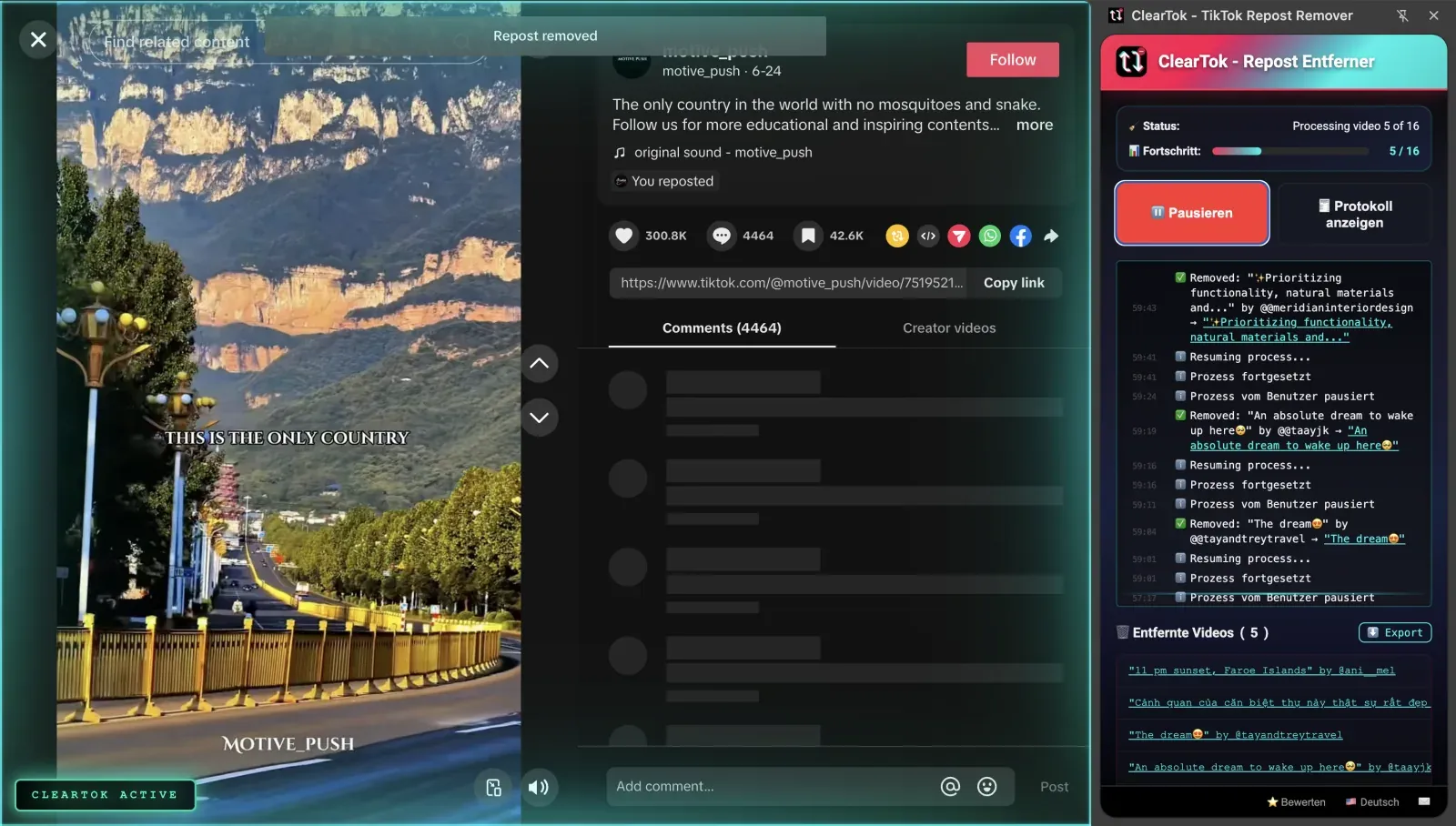
Automated removal of all reposted videos.
One-click bulk removal of all reposted videos.
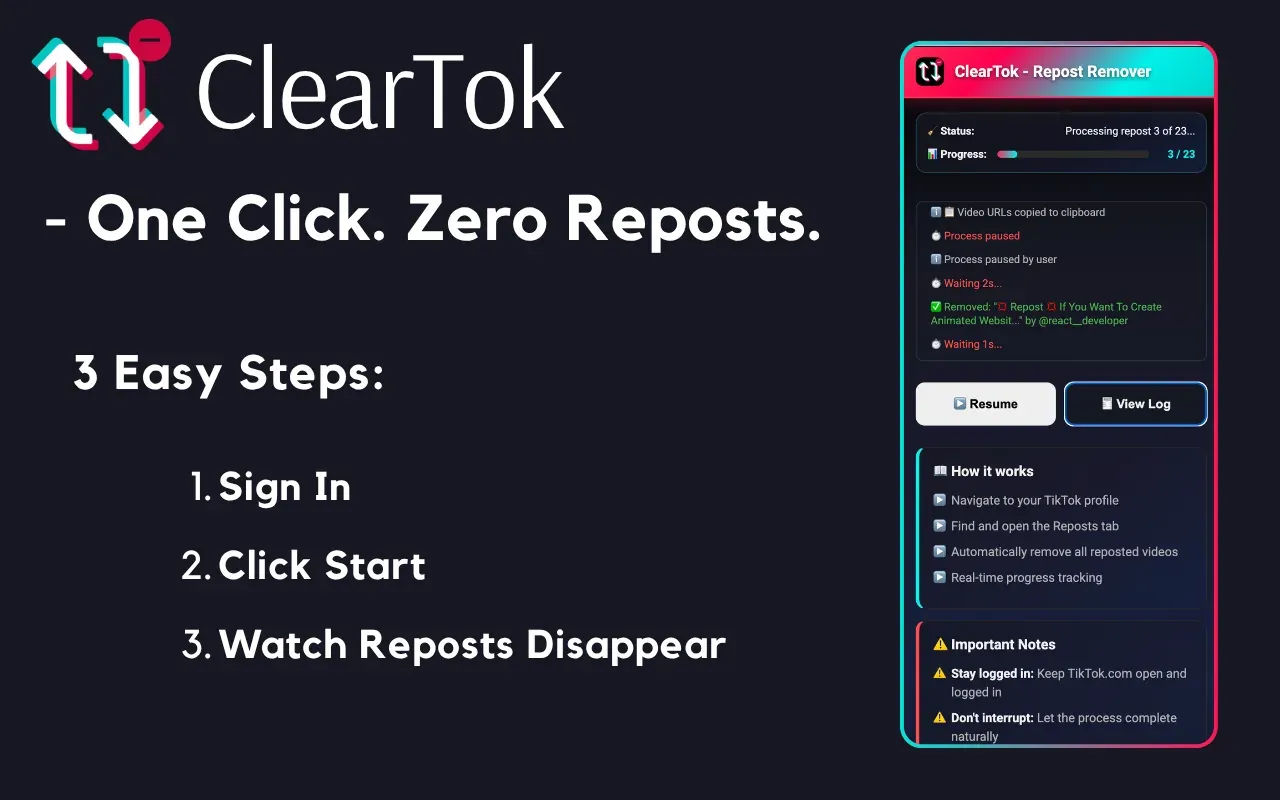
Watch your TikTok cleanup in action
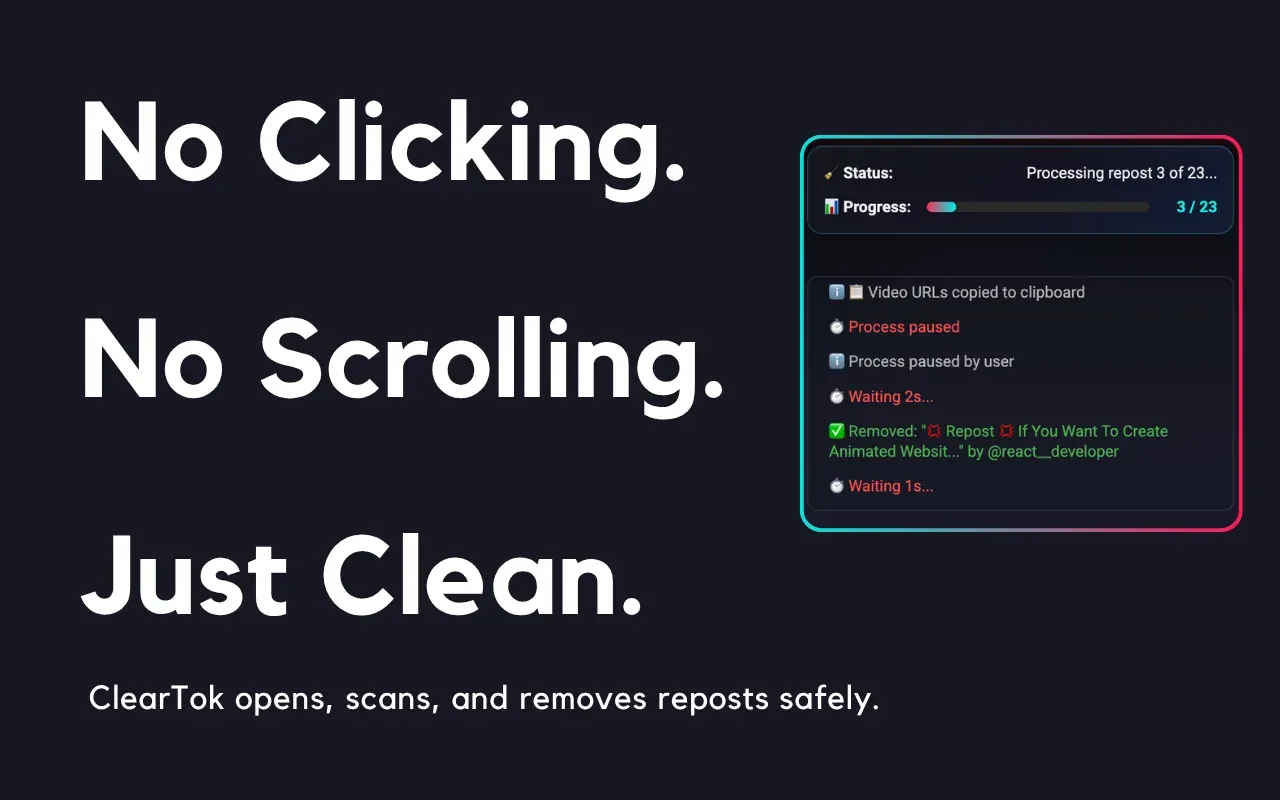
Export deleted URLs and run in background
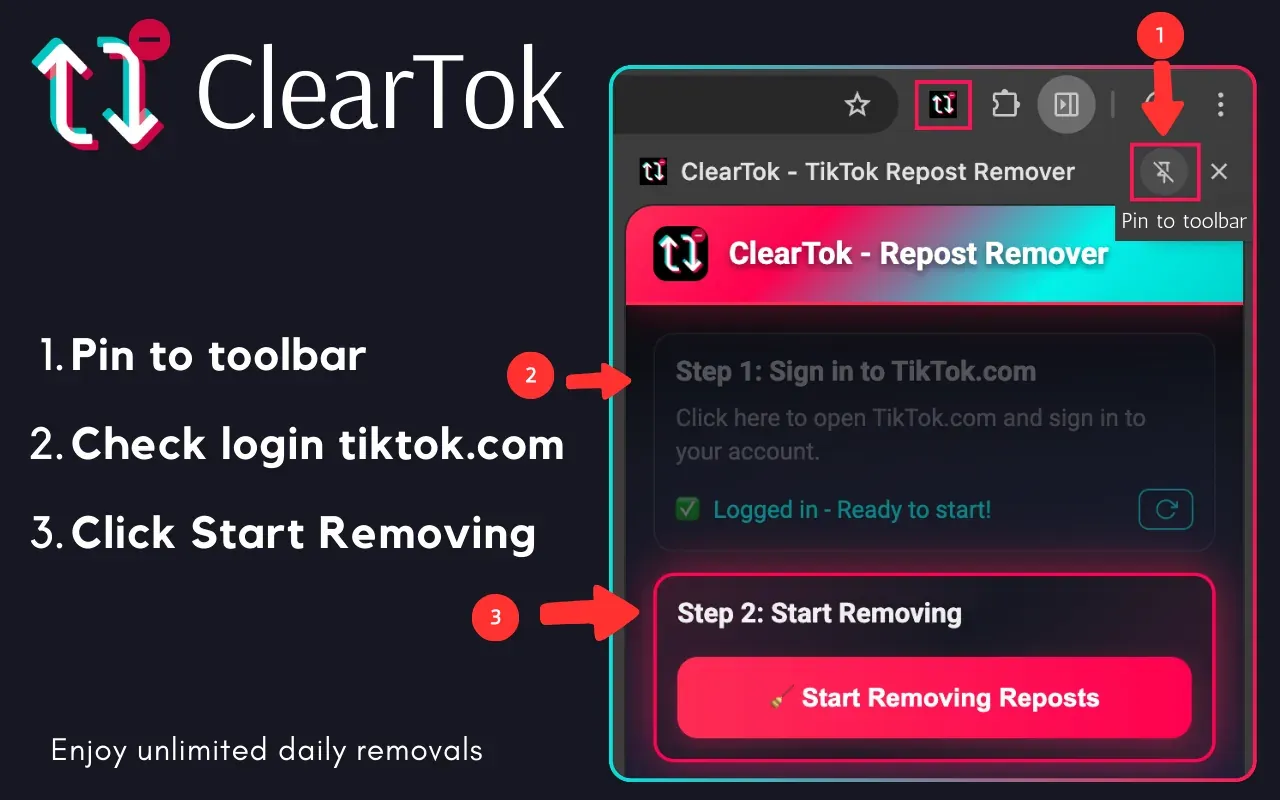
How to use ClearTok for TikTok
✨ All features work seamlessly within your Chrome/Edge browser
Latest from Our Blog
Stay updated with TikTok tips, tutorials, and insights
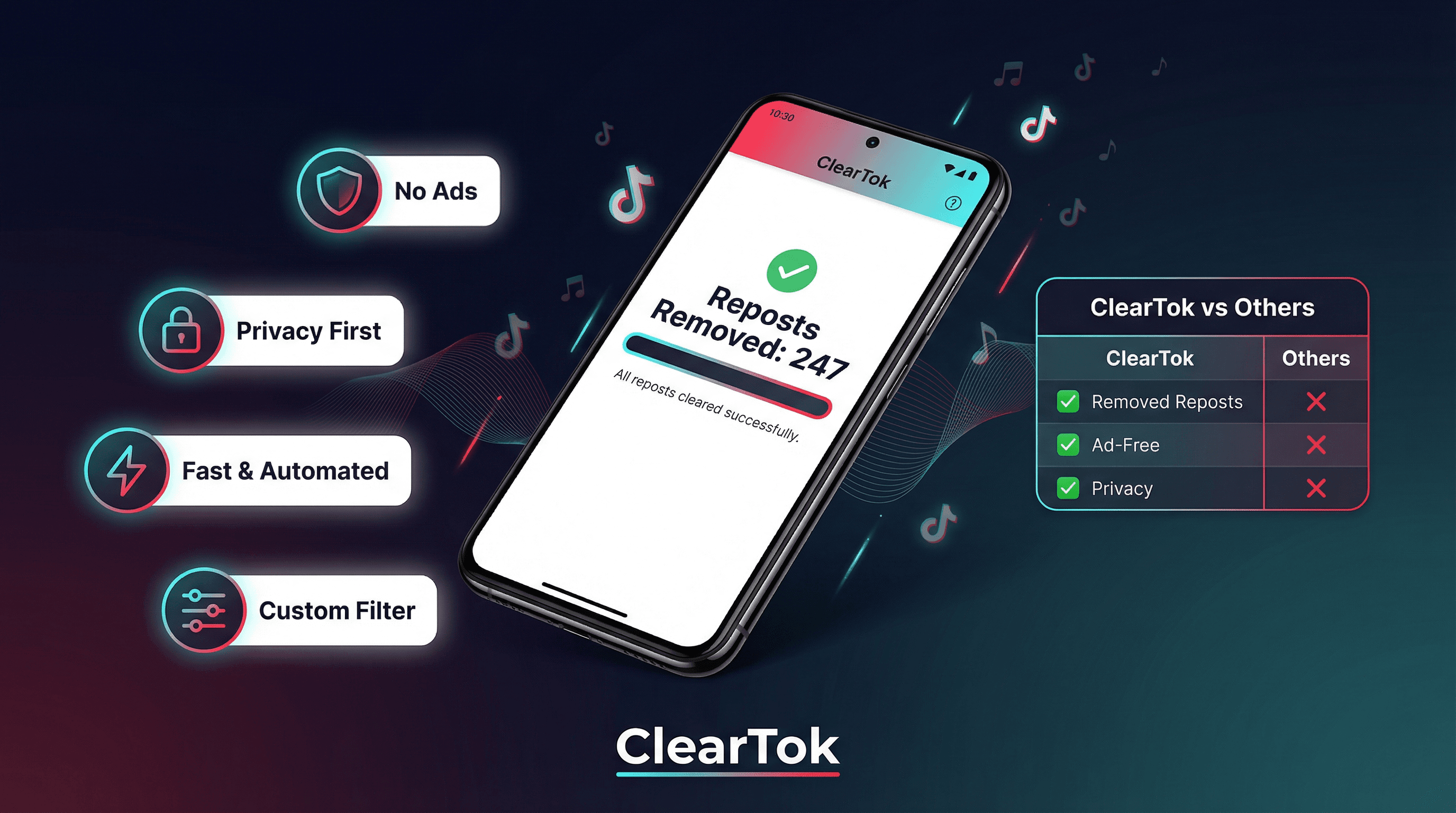
Why ClearTok Is the Best TikTok Repost Remover in 2026
After testing every TikTok repost remover available in 2026, ClearTok stands out for one simple reason: it does exactly what it promises — no ads, no password required, no data harvesting — just fast, automated bulk removal with a Custom Filter that no other tool offers.
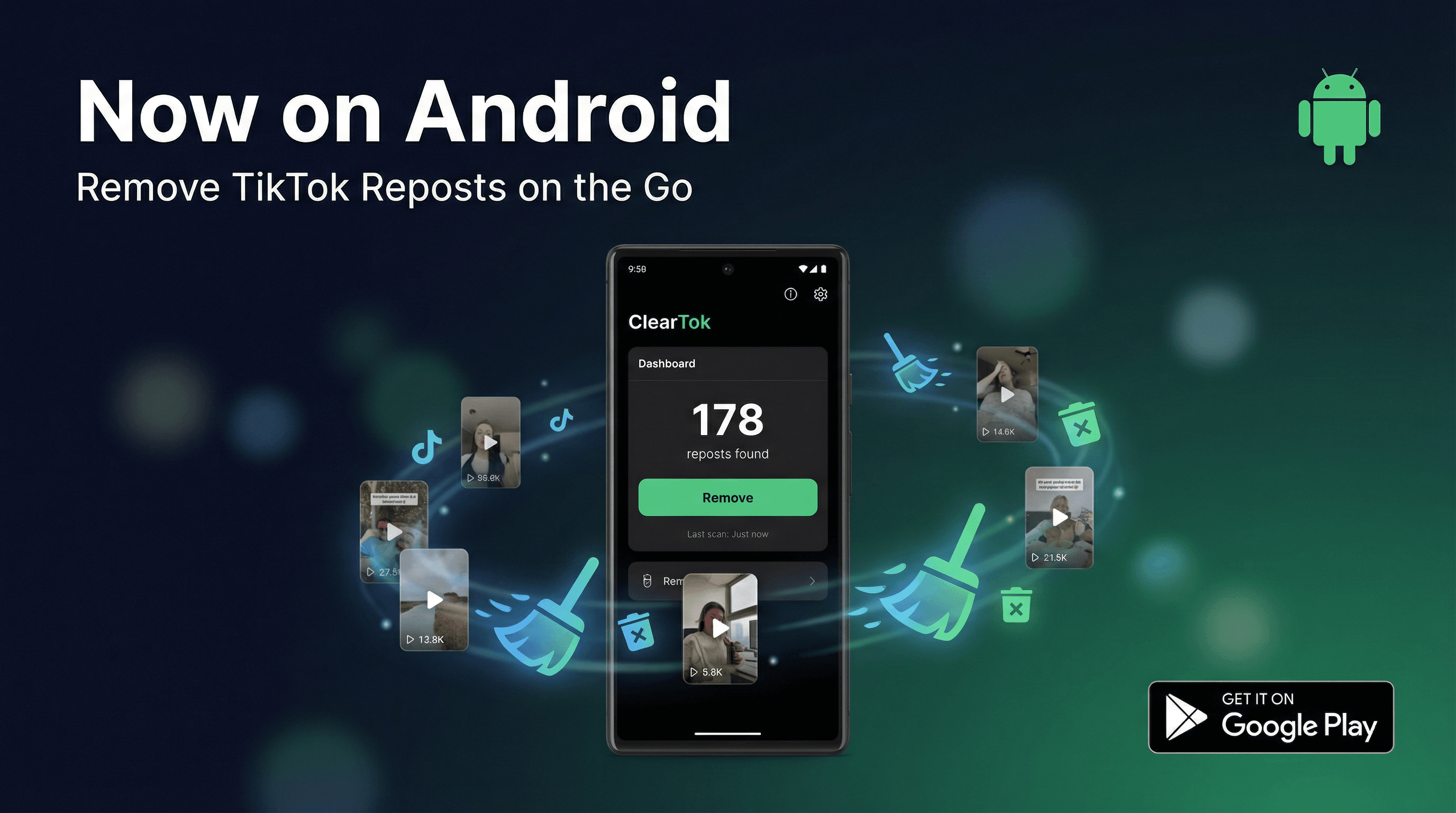
ClearTok Android App is Here: Bulk Delete TikTok Reposts on Android (2026)
ClearTok is now available on Android! Bulk delete all your TikTok reposts with the new Android app, featuring Custom Filter, Guest Mode, and real-time progress tracking.

Custom Filter: Keep Your Recent TikTok Reposts, Remove the Rest
ClearTok's new Custom Filter feature lets you keep recent reposts and automatically remove older ones. Set your date threshold and let ClearTok do the rest.
Your Data Stays on Your Device
ClearTok doesn’t store your password or account data. Everything runs locally, using the same standard actions you would perform manually.
No Passwords. No Data Storage.
ClearTok doesn’t store your account data or credentials — everything stays on your device.
Open Source (MIT License)
Fully transparent and available on GitHub for community review.
Easy to Remove
Uninstall anytime — your TikTok account remains unchanged. You can also clear any local data before removing ClearTok.
What Users Are Saying
Verified reviews from Chrome Web Store and App Store users who remove all reposts tiktok with ClearTok.
All shown reviews are 5-star ratings
"This app is deadass amazing I had like over 5k reposts and I did the log in thing thru there app and it said it was only going to delete 50 and it actually did and when I went back to my account there wasn’t a single repost idk if it was a glitch or wtv but it’s amazing"
"this actually worked way better than i expected. i had hundreds of reposts from years ago and it cleared them pretty fast. i thought i would have to delete them one by one forever lol"
 User review · TikTok repost remover
"In my opinion this is the best i've ever tried. Its amazing and im in love, it works so so good and it's so quick. For sure i would use it forever!!!!"
 User review · TikTok repost remover
"Ça s'est arrêté une fois en plein milieu à cause de ma connexion qui laguait, mais j'ai juste actualisé la page et relancé, et c'est reparti direct là où ça s'était arrêté. Franchement, ça reste mille fois mieux que de devoir supprimer 500 reposts à la main un par un. Si vous avez du ménage à faire sur votre compte, foncez."
 User review · TikTok repost remover
"I kept putting off cleaning my TikTok because un-reposting one by one is a nightmare. This extension is legit a lifesaver. It actually deleted everything in seconds. No bugs, and saved me hours of boring clicking. If you want a fresh start without the headache, seriously just use this."
 User review · TikTok repost remover
"I’m usually super skeptical about tools that manage social media accounts, but ClearTok is great because it requires no password. Since it runs locally on Chrome, I felt much safer using it compared to those shady apps that ask for your login details. It’s a simple, focused tool that does exactly one thing well without any bloat or hidden costs. Secure, free, and effective—highly recommended."
The Fastest & Safest Way to Remove all TikTok Reposts
Here’s how different methods compare — and why ClearTok stands out.
| Method | Time Needed for 500 Reposts | Risk | Cost |
|---|---|---|---|
| Manual (phone) | ~2 hours tapping | No | Free |
| Random "Cleaner" Extension | Unknown | — | Varies |
| App (Password Required) | Unknown | High | Varies |
| ClearTok (for TikTok) | ~8 minutes | Low | Free |
Frequently Asked Questions
Common questions about removing TikTok reposts, account safety, and how ClearTok works.
🚀 Basic Features
Essential functions and core capabilities
⚡ Advanced Features
Background processing, monitoring & export capabilities
🔒 Security & Privacy
Account safety and data protection
🛠️ Installation & Compatibility
Setup, browser support and technical requirements
🆚 ClearTok vs SocialAut
Pricing, platforms (PC vs mobile), safety, and openness
🏆 Comparison & Advantages
How ClearTok stands out from alternatives
Ready to Start Fresh?
Install ClearTok and remove all your TikTok reposts in minutes — free, private, and open-source.
No sign-up • Instant install • Works worldwide