
Remove All Reposted Videos for TikTok in One Click
The free, safe, local browser extension and iOS app to bulk delete your repost history for TikTok. No passwords required.
Local-only tool. Not affiliated with TikTok.
Android version coming soon.
See ClearTok in Action
Watch how ClearTok removes all TikTok reposts automatically on desktop and mobile.
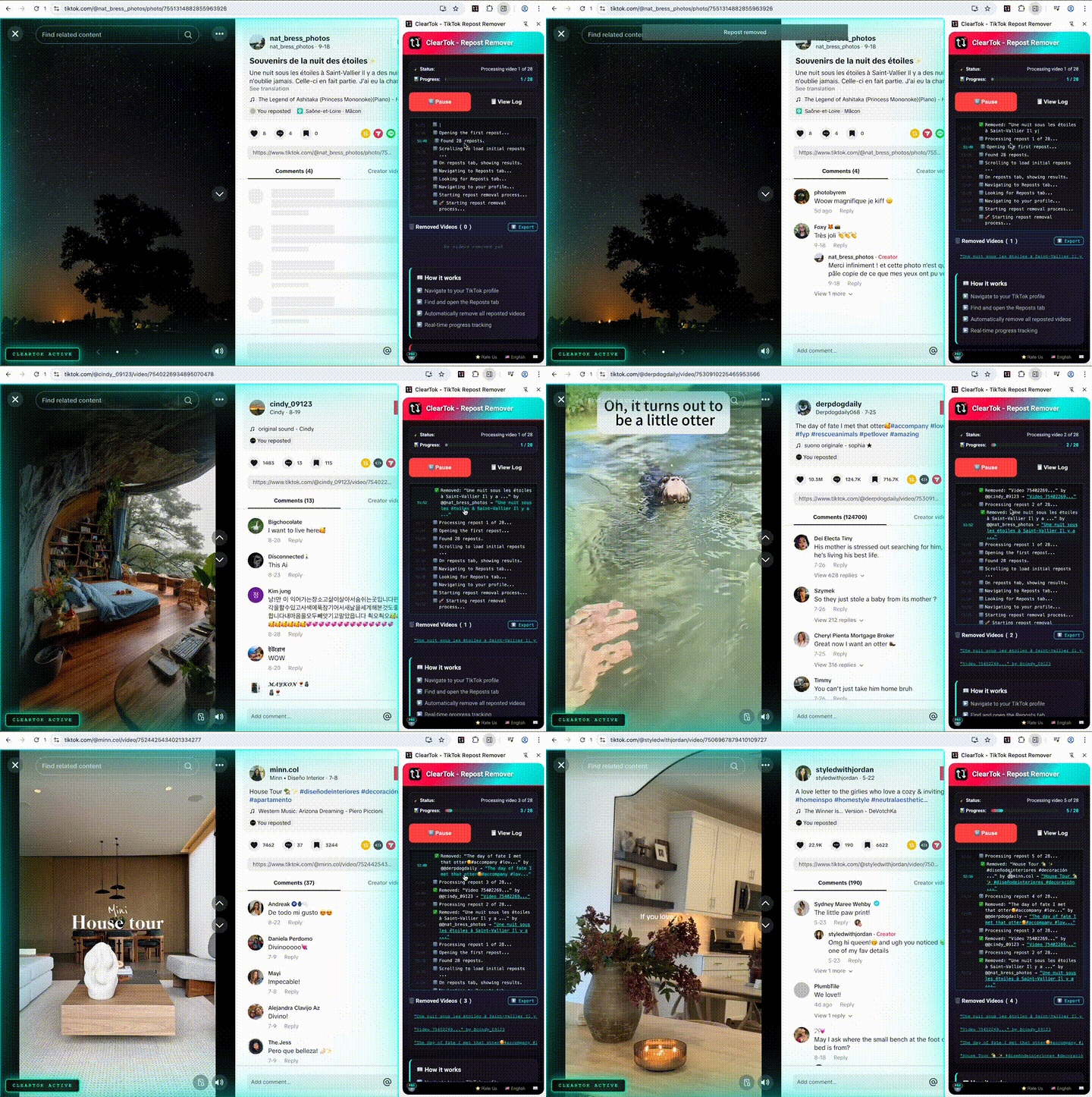
Desktop (Chrome/Edge Extension)
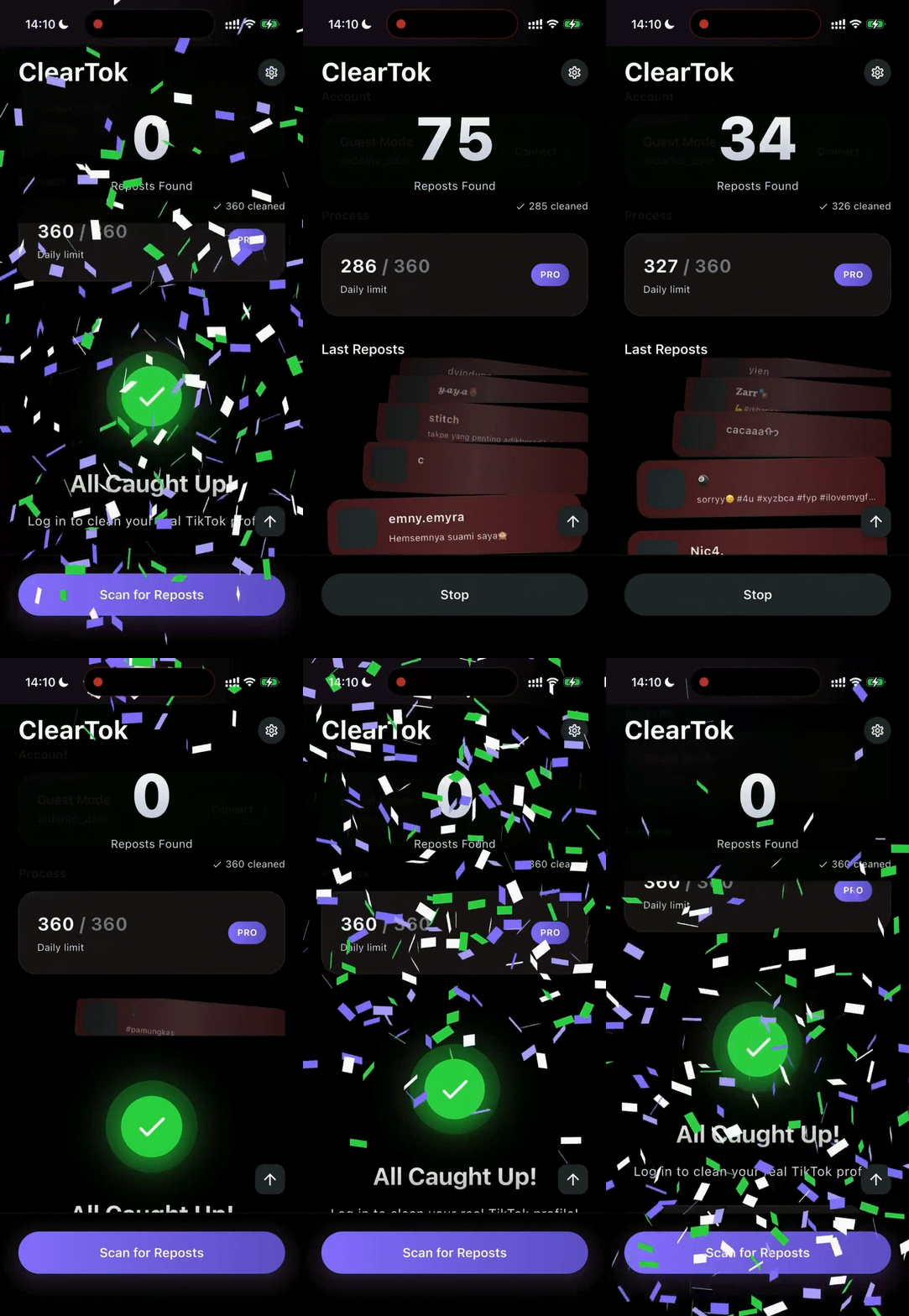
Mobile (iOS App)
Bulk removal
TikTok doesn't have a native 'Delete All' button. ClearTok automates the repetitive clicks so you don't have to.
Runs locally
ClearTok runs locally in your browser and uses the same on-screen UI actions you already do manually.
Safe pacing
Bulk actions can trigger rate limits. ClearTok spaces out clicks and works best in batches (e.g., 200–500 at a time).
Why "Local" Matters
Avoid tools that ask for passwords or run actions from remote servers.
Risky Cloud Apps
- Ask for your TikTok password (never safe)
- Login from foreign servers (triggers bans)
- Instant mass deletion (flagged as bot)
The ClearTok Method
- Runs on your device locally
- Simulates manual mouse clicks
- Uses your active browser session cookie
How to delete all reposts
Clean your profile in 3 simple steps
Install
Add ClearTok to Chrome or Edge. It's lightweight and installs in seconds.
Open Reposts tab
Open TikTok.com on desktop, sign in normally, then go to Profile → Reposts (↻).
Start
Click Start. If TikTok slows actions, run in batches and take short breaks.
FAQ
Ready to start?
Remove reposts in minutes instead of hours.
Get ClearTok