
ClearTok Android App is Here: Bulk Delete TikTok Reposts on Android (2026)
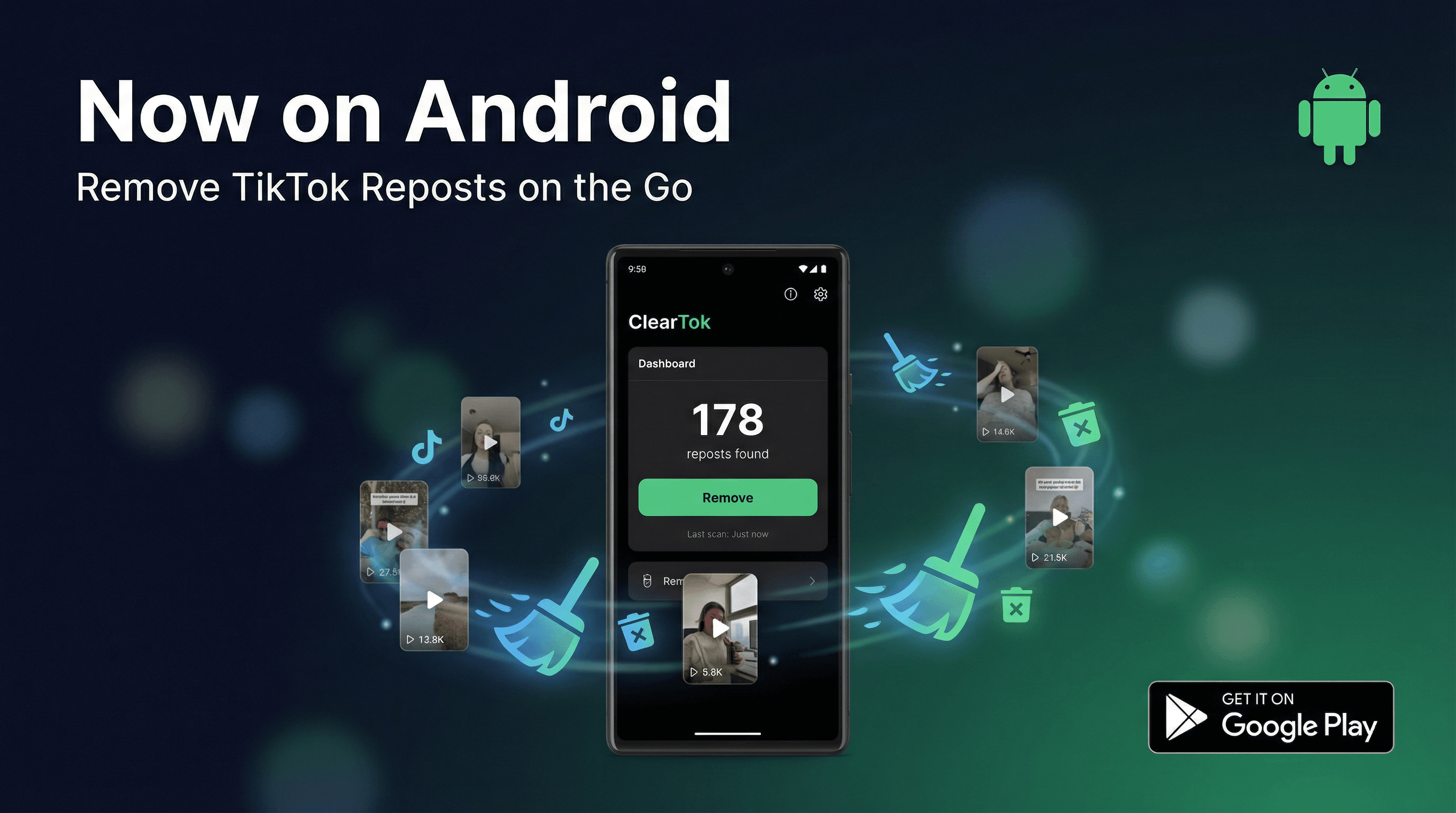
ClearTok is now available on Android! Bulk delete all your TikTok reposts with the new Android app, featuring Custom Filter, Guest Mode, and real-time progress tracking.
ClearTok is Now on Android
After months of development and beta testing, ClearTok for Android is officially live on the Google Play Store. If you have been waiting for a way to bulk delete TikTok reposts directly from your Android phone, the wait is over.
Download ClearTok for Android — Free on Google Play
What is ClearTok?
ClearTok is the safest and most popular tool for removing TikTok reposts in bulk. It works by automating the "Remove Repost" action on your behalf, without ever asking for your password. Since launching the Chrome extension and iOS app, ClearTok has helped over 100,000 users clean up their TikTok profiles.
Now, Android users get the same powerful experience natively on their devices.
Key Features of the Android App
1. Bulk Repost Deletion
Remove all your TikTok reposts in one tap. No more scrolling through hundreds of videos and removing them one by one. ClearTok handles everything automatically with safe, human-like pacing.
2. Custom Filter (New Feature)
This is the standout new feature. Custom Filter lets you keep your recent reposts while removing the older ones.
Here is how it works:
- Set a date threshold (e.g., "Keep reposts from the last 30 days")
- ClearTok automatically skips reposts newer than your cutoff date
- Only older reposts are removed
This is perfect for users who want to clean up their history without losing their most recent activity.
3. Guest Mode
Not comfortable logging in? Guest Mode lets you use ClearTok without creating an account. Your data stays on your device.
4. Real-Time Progress Tracking
Watch the deletion progress in real time. You can see exactly how many reposts have been removed and how many remain.
5. Safe and Private
- No password required
- No data sent to external servers
- Runs locally on your device
- Complies with TikTok's rate limits to protect your account
How to Get Started on Android
- Download ClearTok from Google Play
- Open the app and sign in with TikTok (or use Guest Mode)
- Tap Start Removing Reposts
- Optionally, set a Custom Filter to keep recent reposts
- Let ClearTok run — your reposts will be removed automatically
ClearTok vs Manual Deletion on Android
| Method | Time for 200 reposts | Effort |
|---|---|---|
| Manual (TikTok app) | 30-60 minutes | High |
| ClearTok Android app | ~5 minutes | Minimal |
Frequently Asked Questions
Is ClearTok free on Android? Yes, the core bulk deletion feature is free. Premium features may be available in future updates.
Does it work on all Android versions? ClearTok for Android supports Android 8.0 (Oreo) and above.
Will it delete my original TikTok videos? No. ClearTok only removes reposts — videos you shared from other creators. Your original videos are never touched.
Is it safe for my TikTok account? Yes. ClearTok uses safe, human-like pacing and never requires your password. It has been used safely by hundreds of thousands of users.
Also Available On
- Chrome Extension — For desktop users
- iOS App — For iPhone and iPad
- Edge Extension — For Microsoft Edge users
ClearTok is an independent tool and is not affiliated with or endorsed by TikTok or ByteDance.
Ready to Try ClearTok?
Stop deleting reposts one by one. Get ClearTok and clean up your entire TikTok profile in minutes.
Browser Extension
Mobile App